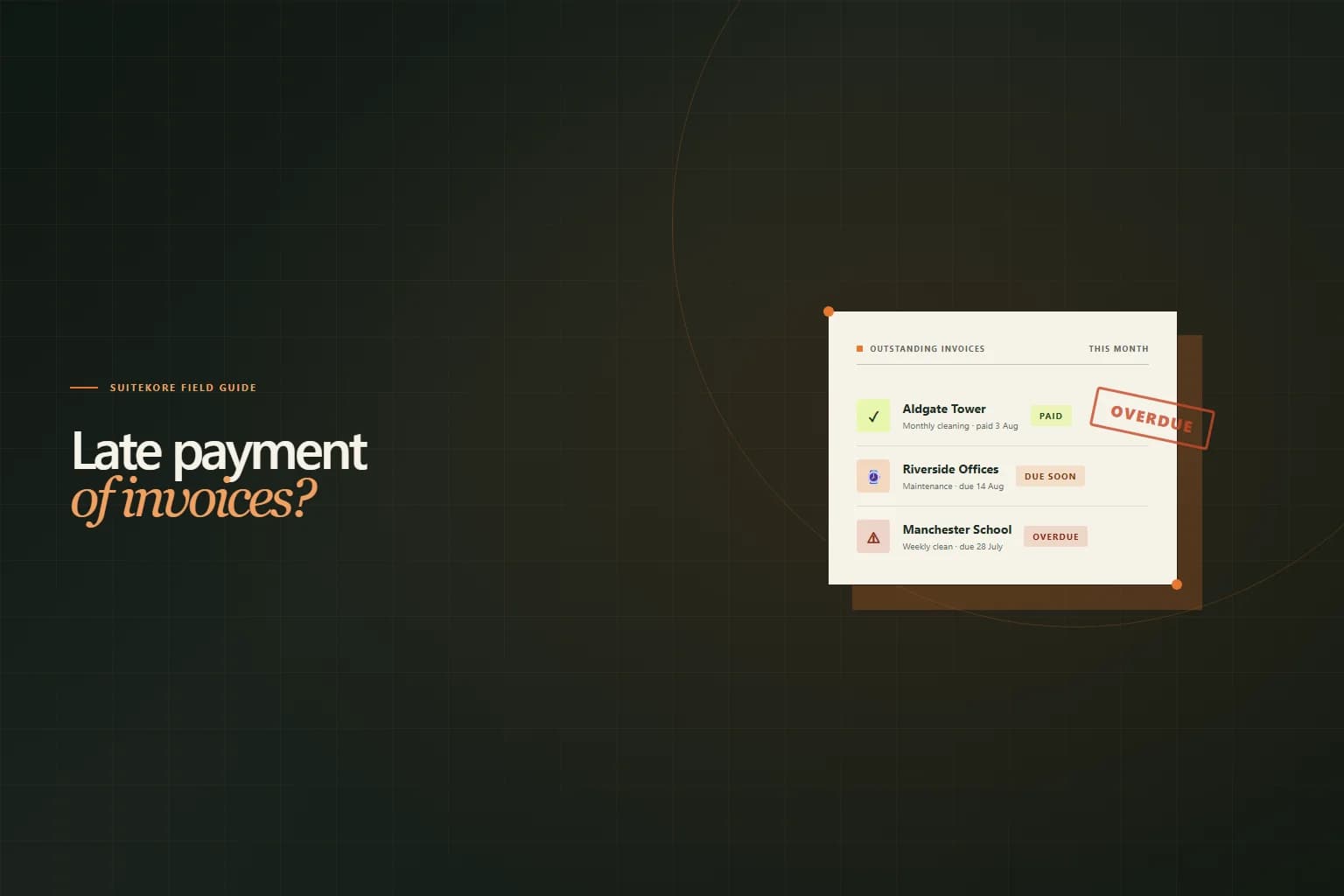
Most late payments are not deliberate. The invoice was buried in an inbox, forwarded to the wrong person, or opened on a Friday afternoon and forgotten by Monday morning. But the effect on your cash flow is the same whether the client meant to delay or not. Dealing with late payment of invoices does not require you to become a credit controller. It requires a short, repeatable sequence that starts before the due date and finishes when the money lands. Here are six steps that keep the relationship intact while making sure you get paid.
1. Check your payment terms before you chase
Before you send a single follow-up, look at the invoice you are chasing. Does it display a specific calendar date (“Due 14 August 2026”) or a vague phrase like “payment upon receipt”? The first is a deadline. The second is a suggestion. If your terms are soft, the late payment may be your process as much as theirs.
Make sure every invoice carries a clear due date, your bank details, and a payment reference. If you accept online payments, include the link prominently. A client who has to search their inbox for your sort code will not pay today. Suitekore prints your payment instructions on every PDF and, when online payments are enabled, puts a Pay Now button on the client's invoice page. The fewer steps between opening the invoice and completing payment, the fewer invoices that run late.
2. Send the polite nudge within 48 hours of the due date
The day after a payment is due, the client is not avoiding you. They forgot, or the invoice is sitting in an accounts payable queue that moves on Thursdays. A short, warm message keeps the tone collaborative. Write something like:
“Hi [name], just a quick note that invoice INV-0012 for the July clean at Aldgate Tower was due on the 14th. I have reattached the PDF here in case the original got buried. Let me know if anything on the invoice needs adjusting.”
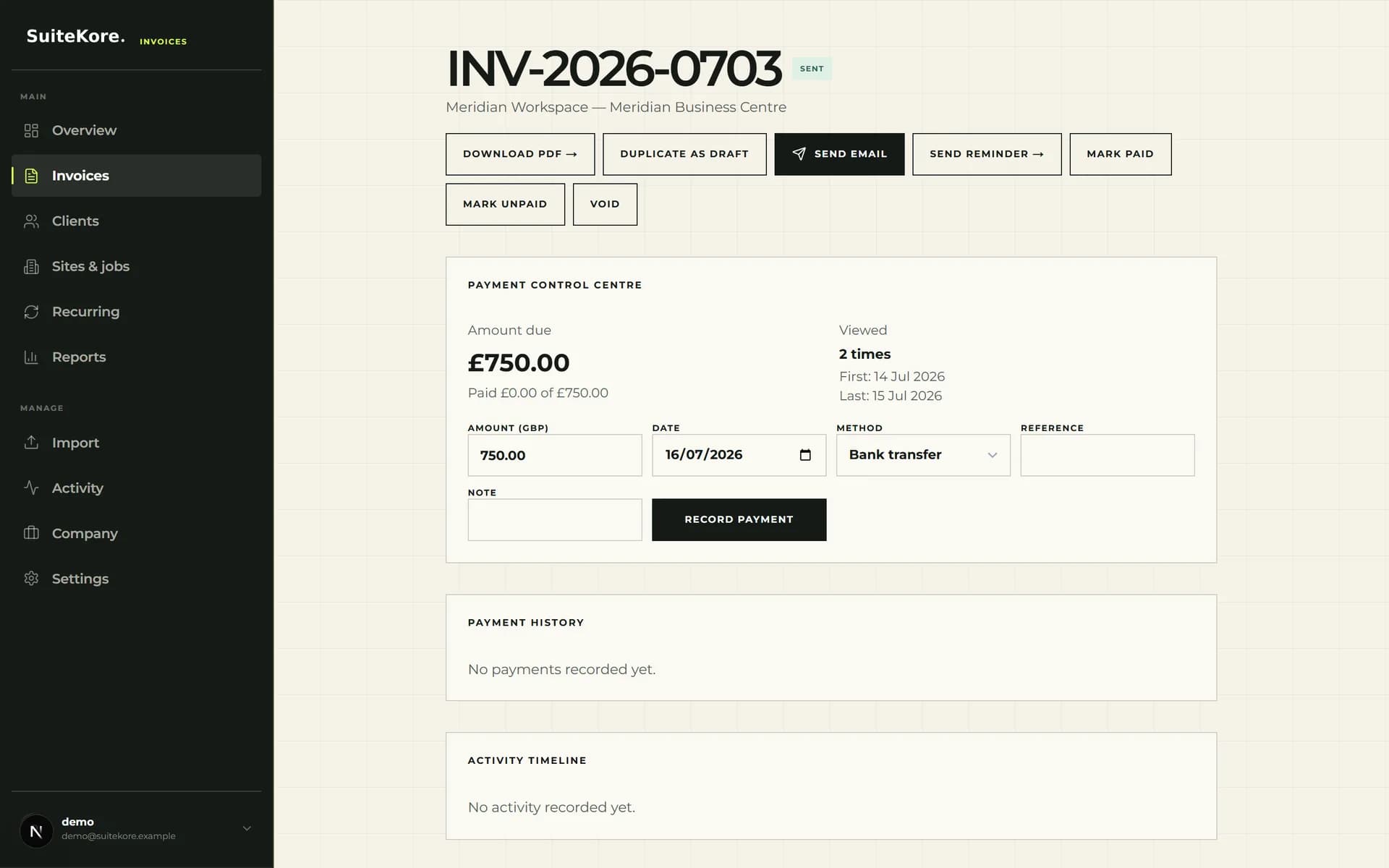
Reattach the PDF. Do not make them search for it. Do not imply fault. Do not threaten action you are not prepared to take. One message, one click, and you move on to the next thing. In Suitekore, the Send reminder button reattaches the original invoice PDF automatically, so the client has everything they need in a single email.
3. Make paying easier than ignoring
A client who needs to log into a separate banking portal, type a sort code and account number from a PDF, and compose a reference string from memory will find reasons to do it later. A client who clicks one link and pays in thirty seconds will often pay immediately. The difference in collection speed is almost entirely about friction.
If your invoicing platform supports online payments through Stripe or a similar processor, enable them. Include the payment link in the invoice email and on the invoice page. For clients who pay by bank transfer, make sure the sort code, account number, and payment reference appear together in one block on the PDF. Never spread payment details across multiple paragraphs. Suitekore invoices carry payment instructions in a single visible block, and the optional Pay Now button lets clients settle by card or bank transfer without leaving the invoice page.
With larger clients, friction is sometimes structural rather than behavioural. An invoice missing a purchase order number never reaches the payment run at all, no matter how many reminders you send, which is why the difference between a purchase order and an invoice is worth understanding before you escalate.
Where the same client has several invoices open at once, chasing them one at a time is the wrong shape of conversation. A statement of account puts the whole balance in front of them, separates what is genuinely overdue from what is not yet due, and usually resolves the disagreement faster than another reminder about a single invoice number.
4. Escalate to a firm follow-up after seven days
If the polite nudge produces silence for a week, send a firmer message. Keep it professional, keep it factual, and reference the earlier contact:
“Hi [name], I wrote on the 15th about invoice INV-0012 which was due on 14 August. The balance of £750 remains unpaid. I understand things get busy; if payment can reach us by Friday the 22nd that keeps everything on track. Let me know if you need anything from my side.”
You are not threatening legal action at this stage. You are stating facts and giving a clear next step with a new deadline. The tone is calm, specific, and hard to ignore because it contains dates and figures rather than emotion. Many clients pay at this stage simply because the follow-up signals that you notice and you track.
5. Automate the chase so it is not personal
Sending reminders manually works when you have three clients and one overdue invoice. When you have thirty clients and six overdue invoices spread across different due dates, manual follow-up becomes unreliable. You forget. You avoid it because it feels nagging. A scheduled reminder removes you from the loop.
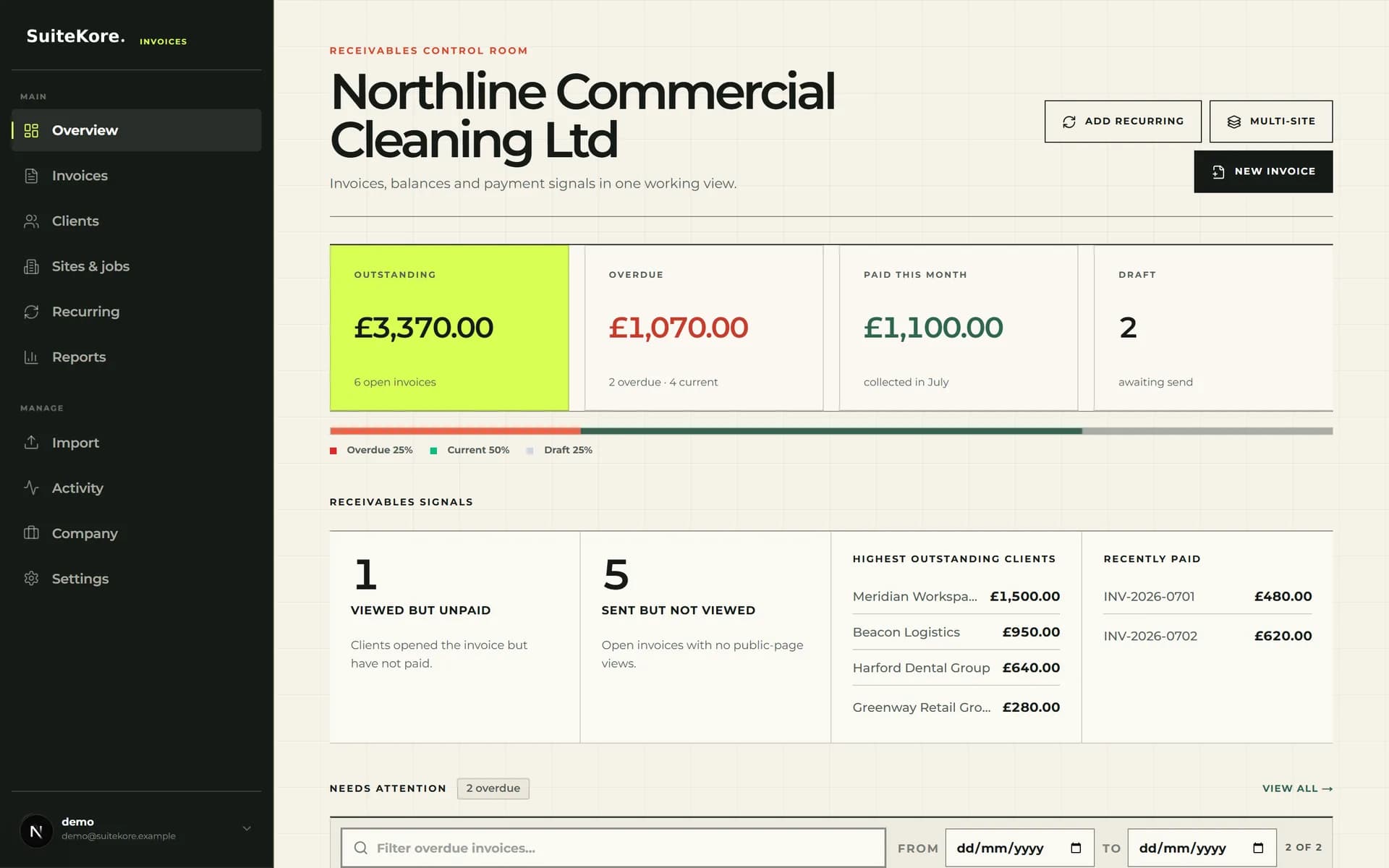
Most modern invoicing platforms let you set automatic overdue reminders. Configure them once: a polite nudge two days after the due date, a firmer follow-up seven days later, and a final notice at fourteen days. The system sends them whether you remember or not, and the client receives a consistent message that does not feel personal because it is not coming directly from your inbox. On Suitekore paid plans, automatic daily checks send overdue reminders without manual intervention, so your follow-up sequence runs even during your busiest weeks.
Remind a client and record payment in one screen
A silent product walkthrough showing how to send a reminder from an overdue invoice, record the payment when it arrives, and see the dashboard update immediately.
6. Record payment the moment it arrives
This is the step most small business owners skip, and it causes the most damage. A client pays by bank transfer on Tuesday. You see it in your banking app but do not mark the invoice as paid because you are on site. Friday afternoon you send a reminder. The client replies: “I paid on Tuesday.” That conversation erodes trust faster than the original late payment.
Record every payment the day it clears, ideally the moment you see it. Marking an invoice as paid updates your dashboard, removes it from the overdue list, and prevents the awkwardness of chasing someone who already settled. Suitekore supports full and partial payments, so you can record a deposit or staged payment and see the remaining balance update automatically. When the money arrives, mark it paid, move on, and let the system track the rest.
From chasing to collecting
Dealing with late payment of invoices becomes manageable when you stop treating it as a series of awkward one-off conversations and start treating it as a repeatable process. Clear terms printed on every invoice. A polite nudge within 48 hours. Easy payment methods. A firmer follow-up at seven days. Automated reminders that run without you. And instant payment recording so you never chase a client who already paid.
You can watch the complete 60-second product demo to see the full workflow from dashboard to payment, compare the Suitekore plans to see which includes automatic reminders, or read seven signs your service business has outgrown spreadsheet invoicing if the admin overhead is the real problem. For the whole sequence in one place, from agreeing the price to statutory interest on an overdue invoice, read the complete guide to invoicing for UK service businesses. If you need to get a professional invoice out right now, the free invoice generator creates a PDF in under a minute with no account needed.