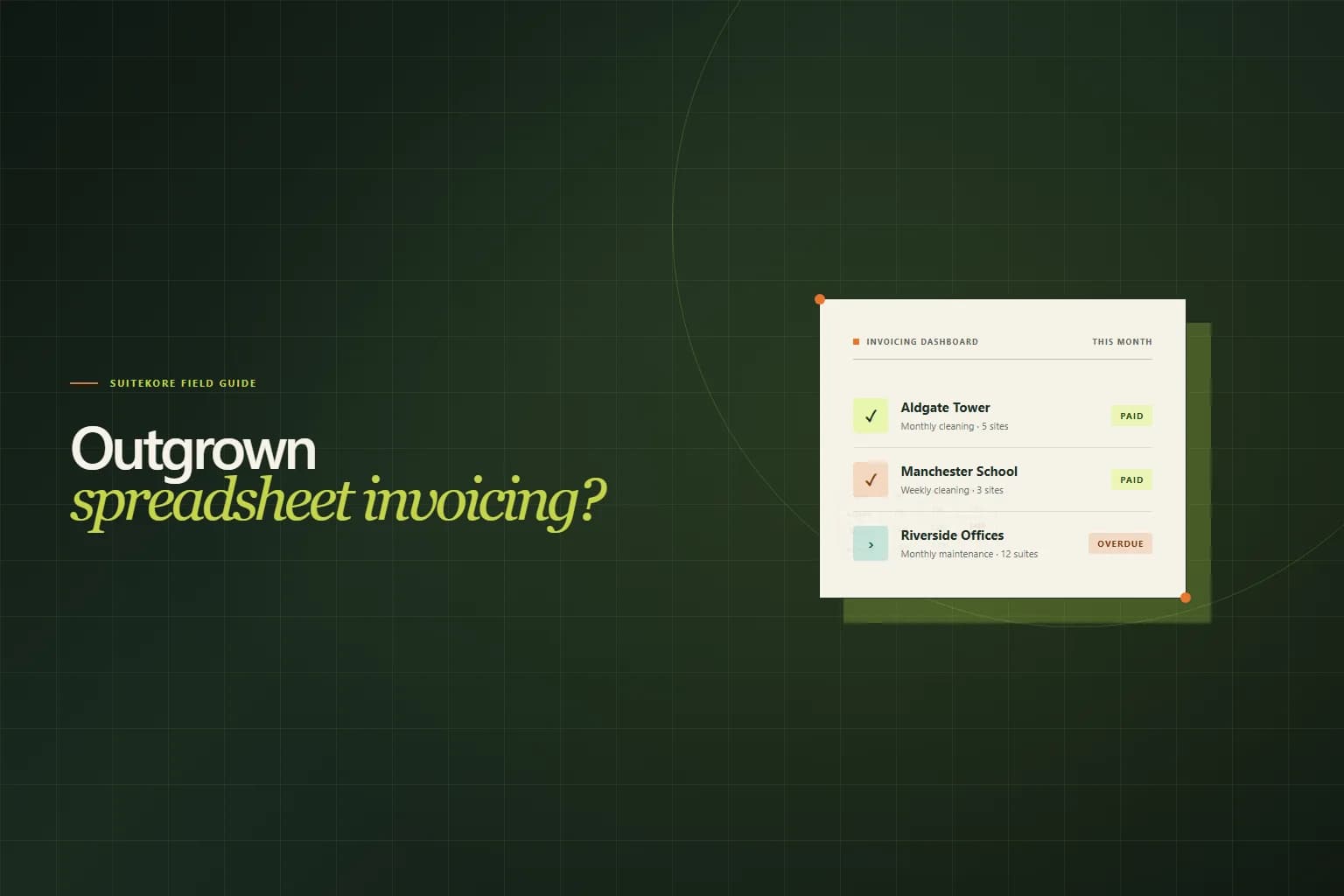
Spreadsheets are free, familiar, and endlessly flexible. For a service business sending its first handful of invoices, a simple Excel or Google Sheets template feels like the obvious place to start. But spreadsheets were built for calculation, not for billing. As your client list grows and your contracts become more regular, the tool that once felt like a shortcut starts costing you time, accuracy, and cash flow. Here are seven signs your service business has outgrown spreadsheet invoicing, and what a billing system built for recurring work looks like instead.
1. You rebuild the same invoice every month
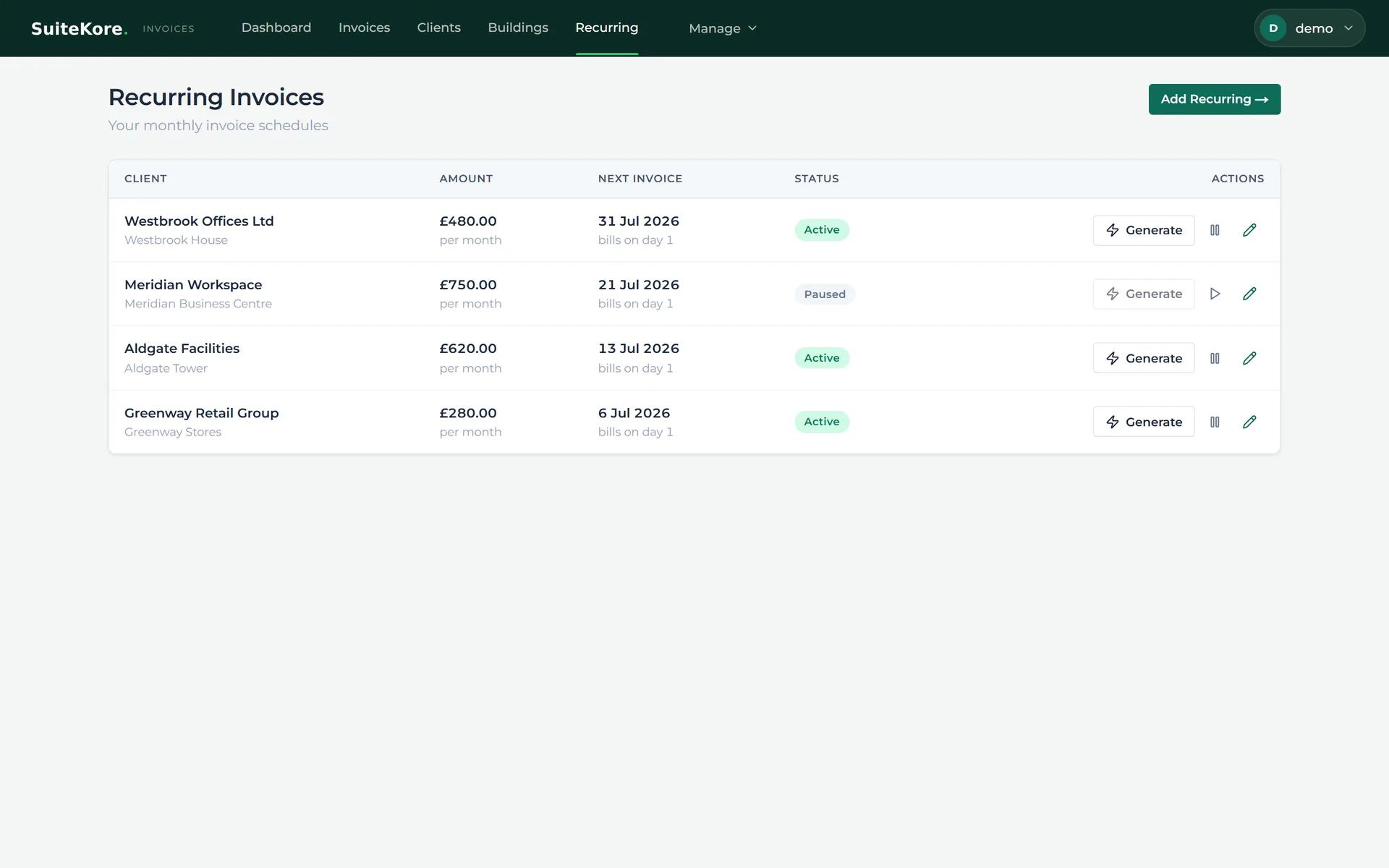
If your monthly routine is: open last month's file, save a copy, change the date, adjust a few line items, and email it, you are not invoicing. You are hand-crafting a document that software should assemble from information you have already entered a dozen times. For a cleaning company with four recurring sites, a maintenance contractor with twelve service agreements, or a landscape gardener with twenty regular clients, repeating this ritual every thirty days consumes hours that could be spent quoting new work.
Invoicing software stores your clients, sites, services, and recurring charges once. When billing day arrives, you select the schedule and generate the invoice. The system pulls the correct client, the right amounts, and the agreed payment terms into a consistent, professional document. No copying. No renaming files. No wondering whether you remembered to update the rate on the school contract.
2. You need three files to answer who owes you
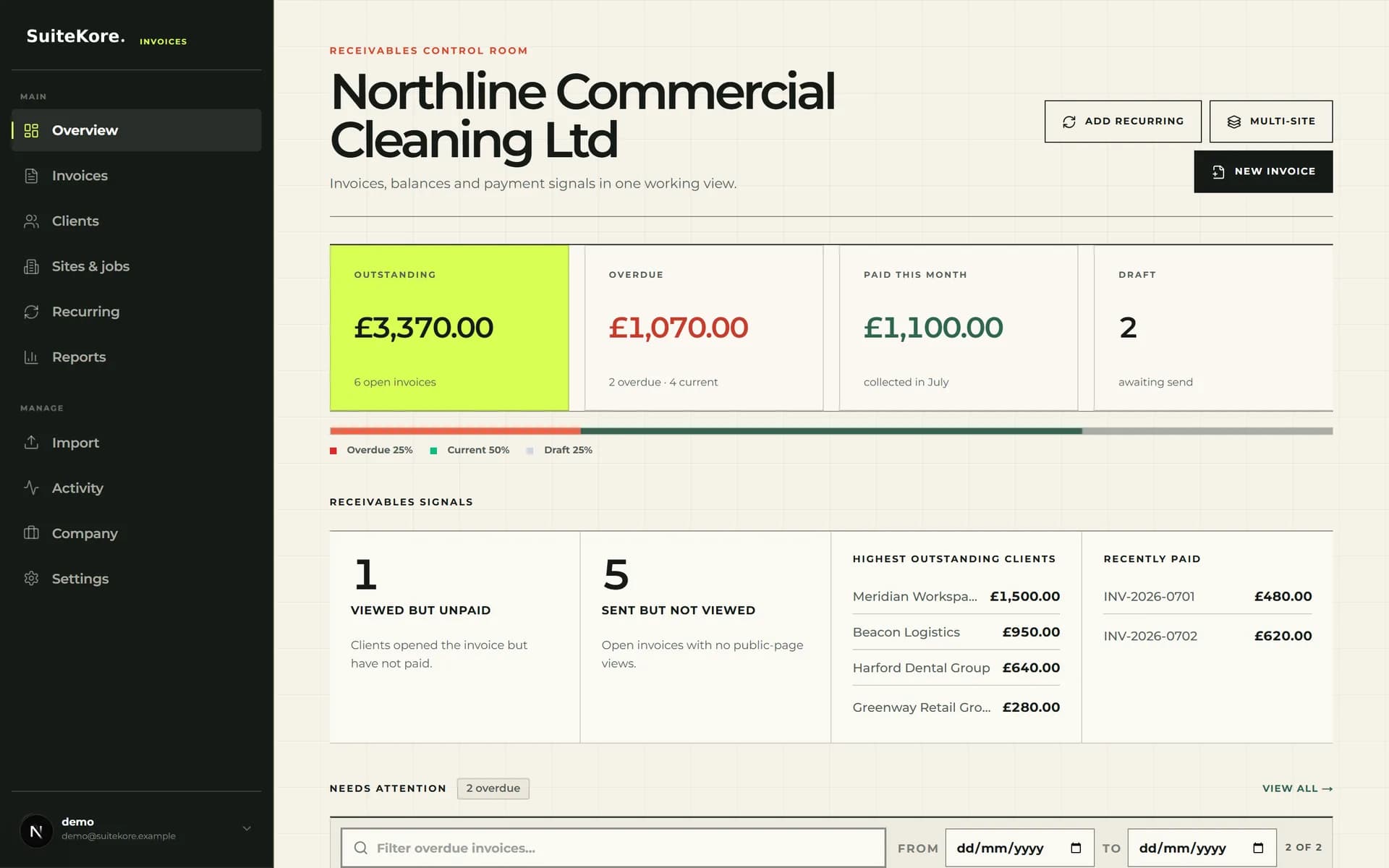
One spreadsheet tracks invoices sent. Another tracks payments received. The bank statement is somewhere in your inbox. When your accountant asks for a receivables report, or a supplier wants to know if you can settle early, you spend twenty minutes cross-referencing tabs, filtering columns, and trusting that nothing was mistyped.
A billing platform gives you a single dashboard with outstanding balances, overdue totals, and recent payments in one view. You open one screen and see the answer. No cross-referencing. No mental checklist. No invoice that slipped through because a filter was set to the wrong date range.
3. Your invoices look different every cycle
One month the logo is left-aligned. The next month it sits in the centre. The due date was bold in March but regular weight in April. A client who receives inconsistent documents notices, and it quietly erodes their confidence that you run a disciplined operation.
Professional invoicing software generates every invoice from the same template. Your branding, payment terms, bank details, and layout stay identical whether you bill one client or fifty. The client experience is predictable and polished, which makes payment feel like the natural next step rather than a negotiation.
4. A formula was broken and you did not notice until the client did
Spreadsheets are powerful but fragile. One accidental keystroke overwrites a formula. A sorted column misaligns rows. A copied sheet carries an outdated rate into next month's invoice. Most business owners discover the error when the client replies: “I think this amount is wrong.”
That conversation damages trust and takes longer to resolve than the original invoice took to create. Invoicing software decouples calculation from presentation. Rates live in the client or site record, not inside a cell that can be accidentally edited. When you generate an invoice, the numbers are pulled from a single source of truth. If a rate needs updating, you change it once and every future invoice inherits the correct figure.
5. You cannot tell whether a client opened the invoice
You send the PDF. Then you wait. After a week of silence, you wonder: did it arrive? Did it land in spam? Did accounts payable open it and forget, or is it still unread in an inbox nobody monitors?
Some problems are solved by the right tool, not by a better spreadsheet formula. Modern invoicing platforms show you when a client has viewed their invoice, so you know whether the document has been seen or genuinely lost. That changes the follow-up conversation entirely. Instead of “did you get our invoice”, a question that is easy to ignore, you can say “I can see the invoice was opened on Tuesday; would you like me to resend it to your accounts team?” The follow-up is shorter, more specific, and harder to deflect.
6. Chasing payment means searching your sent folder
When an invoice passes its due date, you open Gmail or Outlook and search for the client's name. You find the original email, forward it again, and type some variation of “just checking in on this.” If ten invoices are overdue, you repeat this ten times, each one a small but accumulating exercise in awkwardness.
Invoicing software keeps the reminder workflow on the invoice page. Open the record, press Send reminder, and the original PDF is reattached automatically. The system logs when each reminder was sent, so you have a clear record if a client claims they were never notified. On paid plans, automatic daily checks can send overdue reminders without manual intervention. The system chases on your behalf while you focus on delivering the actual service.
7. Billing admin is the reason you have not hired
You have enough demand to justify another electrician, cleaner, or gardener. But hiring means more invoices to create, more payments to track, and more spreadsheet tabs to manage. You delay the hire because the admin would consume the margin the new team member is meant to generate.
This is the clearest sign that your billing system, not your business model, is the bottleneck. Invoicing software turns a growing client list from an admin burden into a repeatable button press. The same three-step workflow, select the schedule, generate the invoice, send or download, scales from five clients to fifty without additional effort. When billing is not the thing holding you back, hiring becomes a growth decision rather than a capacity crisis.
Dashboard to paid: one billing cycle without a spreadsheet
A silent product walkthrough showing the Suitekore workflow from dashboard through recurring invoices, generation, and payment recording.
What to use instead of spreadsheets
If several of the signs above felt familiar, the fix is simpler than you might expect. A purpose-built invoicing platform stores your clients, sites, services, and recurring charges once. Each billing cycle, you select the schedule, generate the invoice, and review the result. The software handles consistency, branding, payment tracking, reminders, and reporting, so you handle the work that actually earns revenue.
Suitekore is built specifically for service businesses that bill the same clients, sites, and jobs each month. Contract cleaners, maintenance contractors, landscape gardeners, security firms, and tradespeople use it to replace spreadsheet routines with a repeatable billing workflow. The video above shows one complete billing cycle from dashboard to payment, without a formula or a copied file in sight.
You can watch the full 60-second product demo with narration, compare the Suitekore plans, or try the free invoice generator to create a professional PDF in under a minute with no account needed. If getting invoices out the door is only part of the problem, read six ways to get clients to pay on time, or learn why a full diary does not guarantee a profitable month.
Whatever you move to will end up sitting alongside your accountant's system, and the handover between the two is worth deciding deliberately rather than discovering. Connecting invoicing to your accounting software covers what should sync, in which direction, and where duplicate records come from.