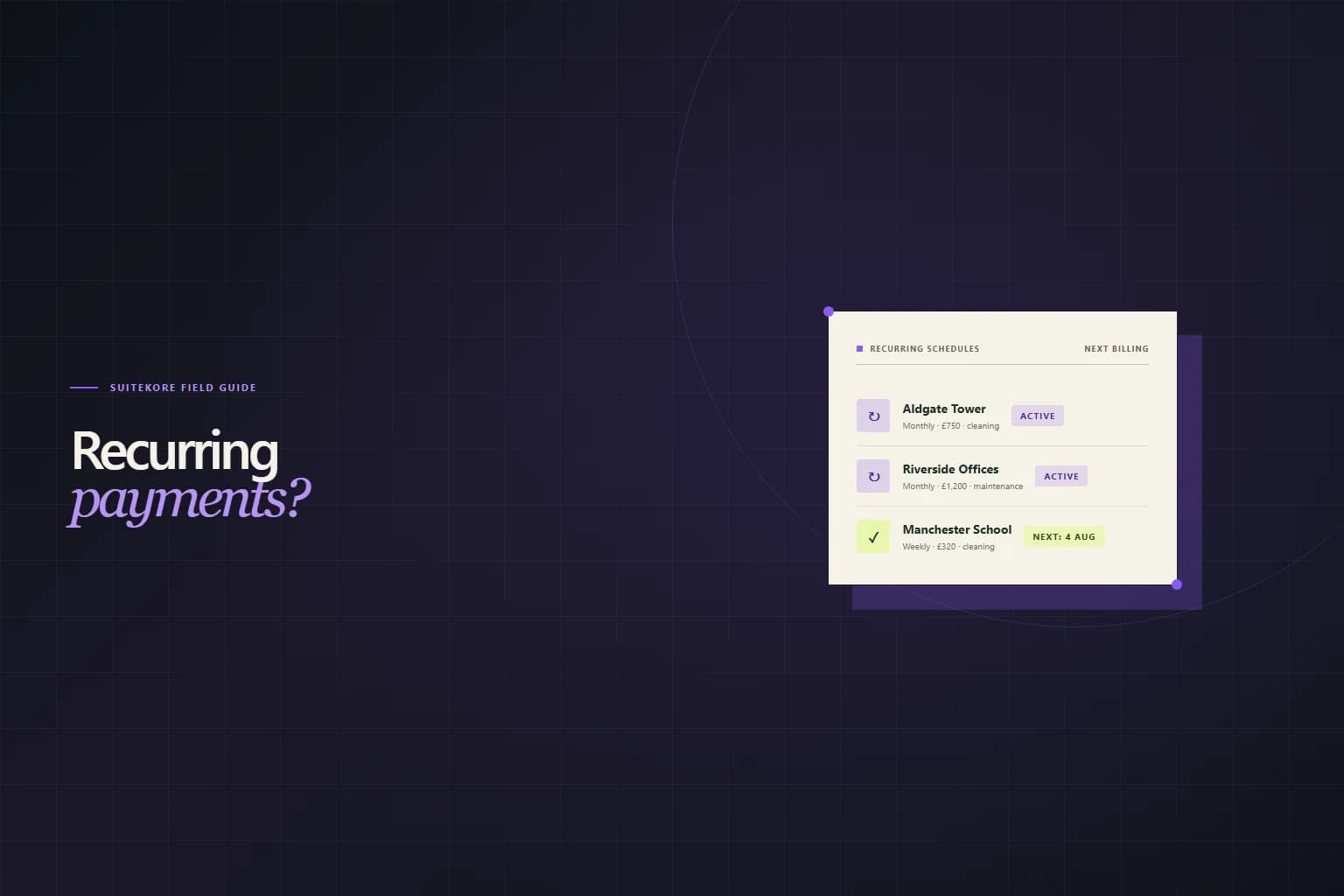
Most service businesses do not sell one-off work. They sell monthly cleaning rounds, quarterly maintenance visits, weekly garden services, and retained security shifts. The work repeats. The billing should too. Setting up recurring payments means you stop rebuilding the same invoice from scratch every thirty days and start collecting on a predictable schedule.
Your recurring payment options as a small business
There are four common ways a UK small business can collect repeat payments. Direct debits require a sponsoring bank and a service user number, which puts them out of reach for most sole traders and small firms, whose day-to-day billing is covered in the guide to invoicing as a sole trader in the UK. Standing orders are free but the client controls them. If the client forgets to set one up, or cancels it without telling you, you are chasing again. Recurring card payments through Stripe or GoCardless work well but attract processing fees, typically 1.5 percent to 3 percent per transaction.
The fourth option, recurring invoicing, is the simplest entry point. You set up a schedule once. The software generates the invoice automatically on the billing date. The client receives a professional PDF with their saved details, the correct amount, and your payment instructions. No processing fees. No bank paperwork. Just a repeatable billing routine that scales from five clients to fifty.
Why recurring invoicing is the simplest entry point
Recurring invoicing sits between manual billing and fully automated payment collection. You control when invoices go out. The client pays by bank transfer or card using the details printed on the PDF. You are not giving a third party permission to pull funds from the client's account, which keeps the setup simple and the relationship direct.
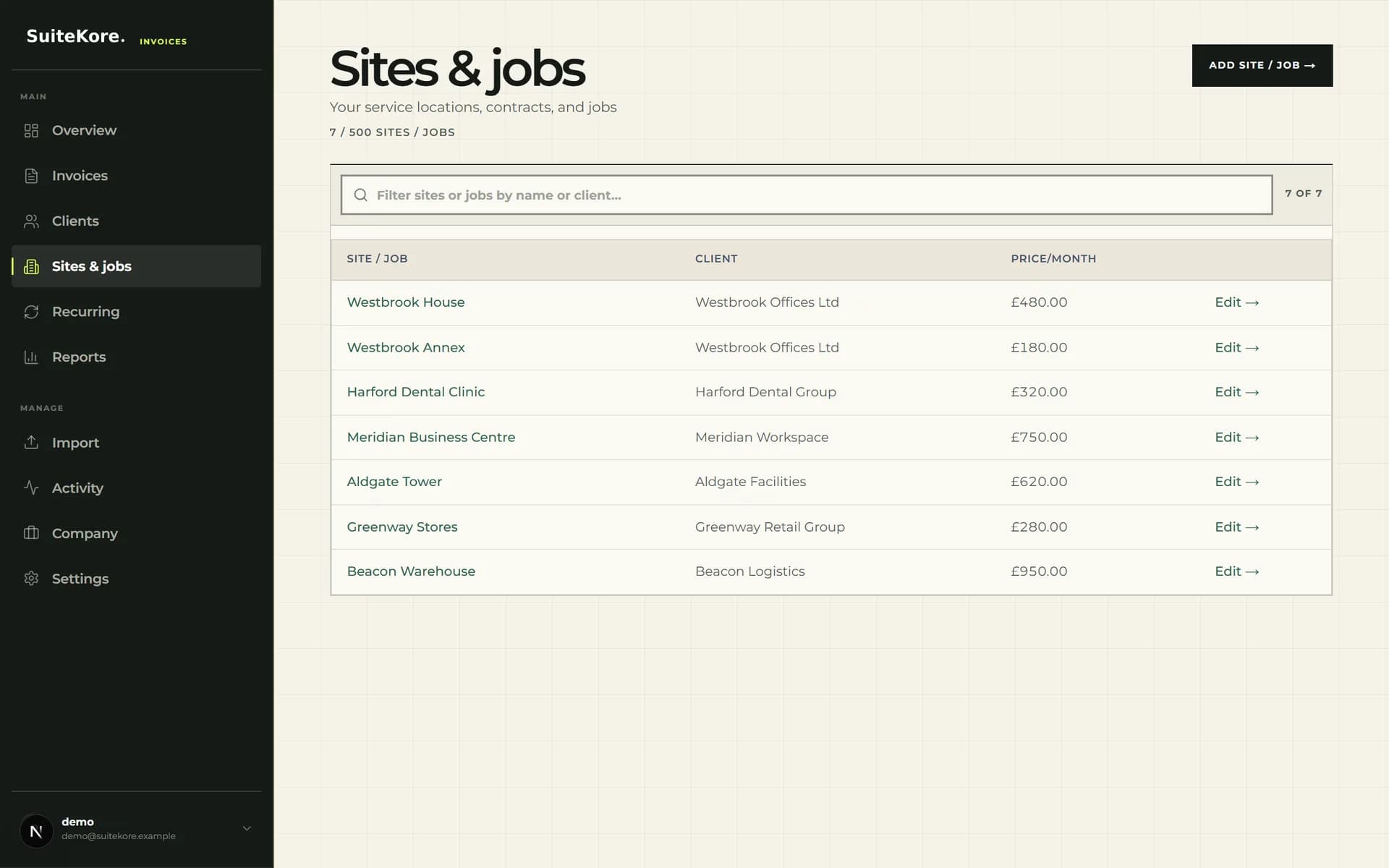
For cleaning companies, maintenance contractors, landscapers, security firms, and any trade with repeat-site contracts, the time saving is immediate. Instead of opening last month's invoice, copying it, updating the date, checking the amounts, and hoping you remembered the rate change for the school contract, you press one button. The invoice is built from saved client, site, and service data. The layout, branding, payment terms, and bank details are identical every month.
How to set up a recurring invoice schedule
The setup follows the same pattern whether you use Suitekore or another platform. First, save your client and their billing address. Second, save each site or job the client contracts you for, with the agreed monthly or quarterly charge. Third, create a recurring schedule linked to that client and site, set the frequency (weekly, monthly, quarterly, or annual), and choose the next billing date.
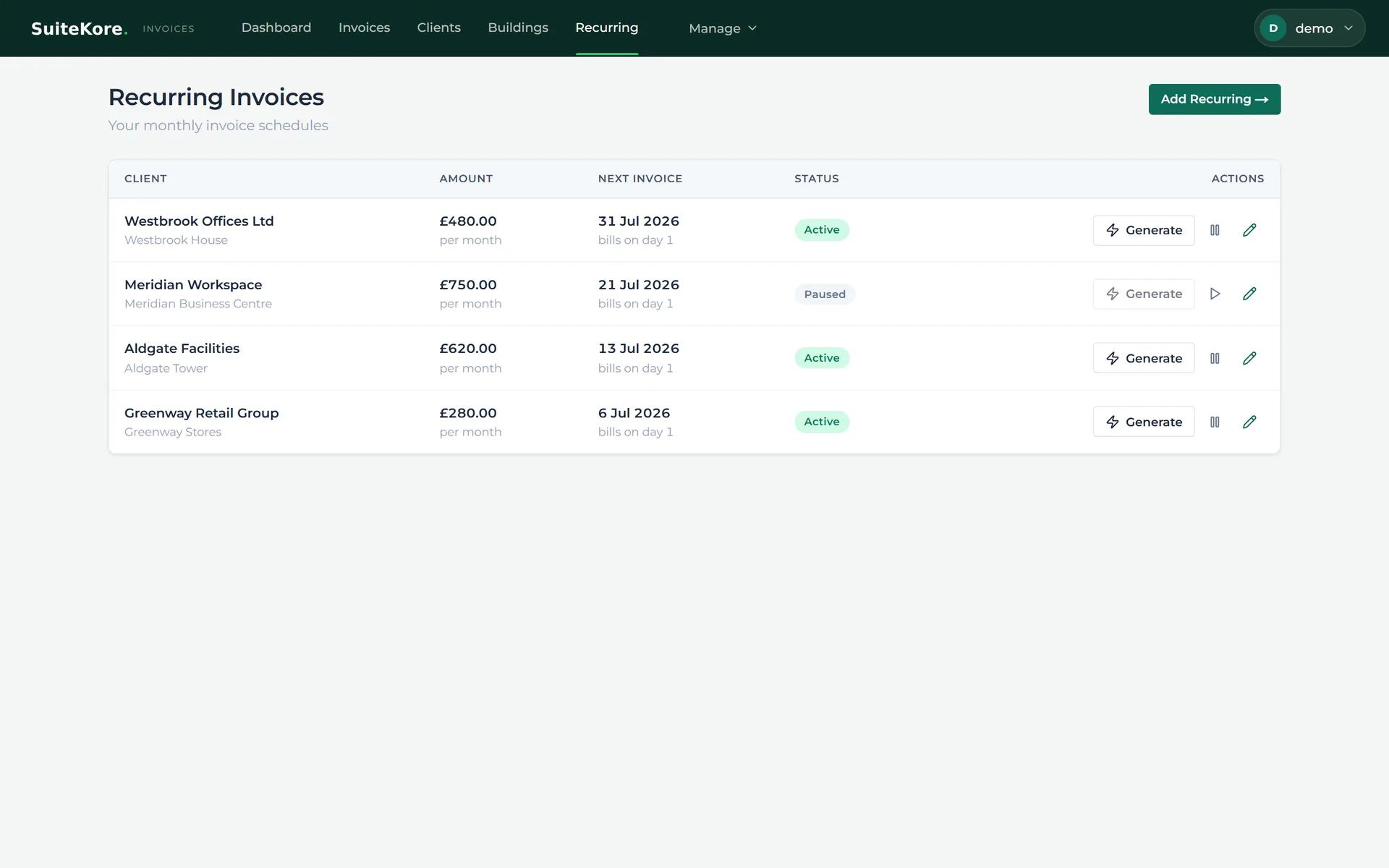
After that, the schedule sits in your recurring list with an active badge and a next billing date. When that date arrives, you open the schedule and press Generate. The system builds the invoice from the saved data. You review it, download the PDF, or send it directly. The schedule resets to the next billing date automatically.
How to generate an invoice from a recurring schedule
A silent walkthrough of the recurring tab: active schedules with clients, sites, and monthly charges, one-click invoice generation, and the resulting invoice in the list.
Let the system run the repeat work
Once your schedules are set up, the monthly billing cycle shrinks to a few clicks per client. Select the schedule, generate the invoice, review, send. The software handles consistency, record-keeping, and payment tracking. On Suitekore paid plans, you can also enable automatic overdue reminders, so if a client does not pay on time, the system follows up without you composing a single awkward email.
The goal of recurring payments is not to remove human judgement from billing. It is to remove the repetitive data entry that fills the first week of every month. Save the information once. Let the schedule carry it forward. Spend the reclaimed hours quoting new work, visiting sites, or just not doing admin on a Sunday evening.
You can watch the full 60-second product demo to see recurring schedules, generation, and payment recording in sequence, compare the Suitekore plans to see which includes automatic reminders, or read six practical steps for dealing with late payment of invoices if collecting after the invoice goes out is the harder half of the problem.