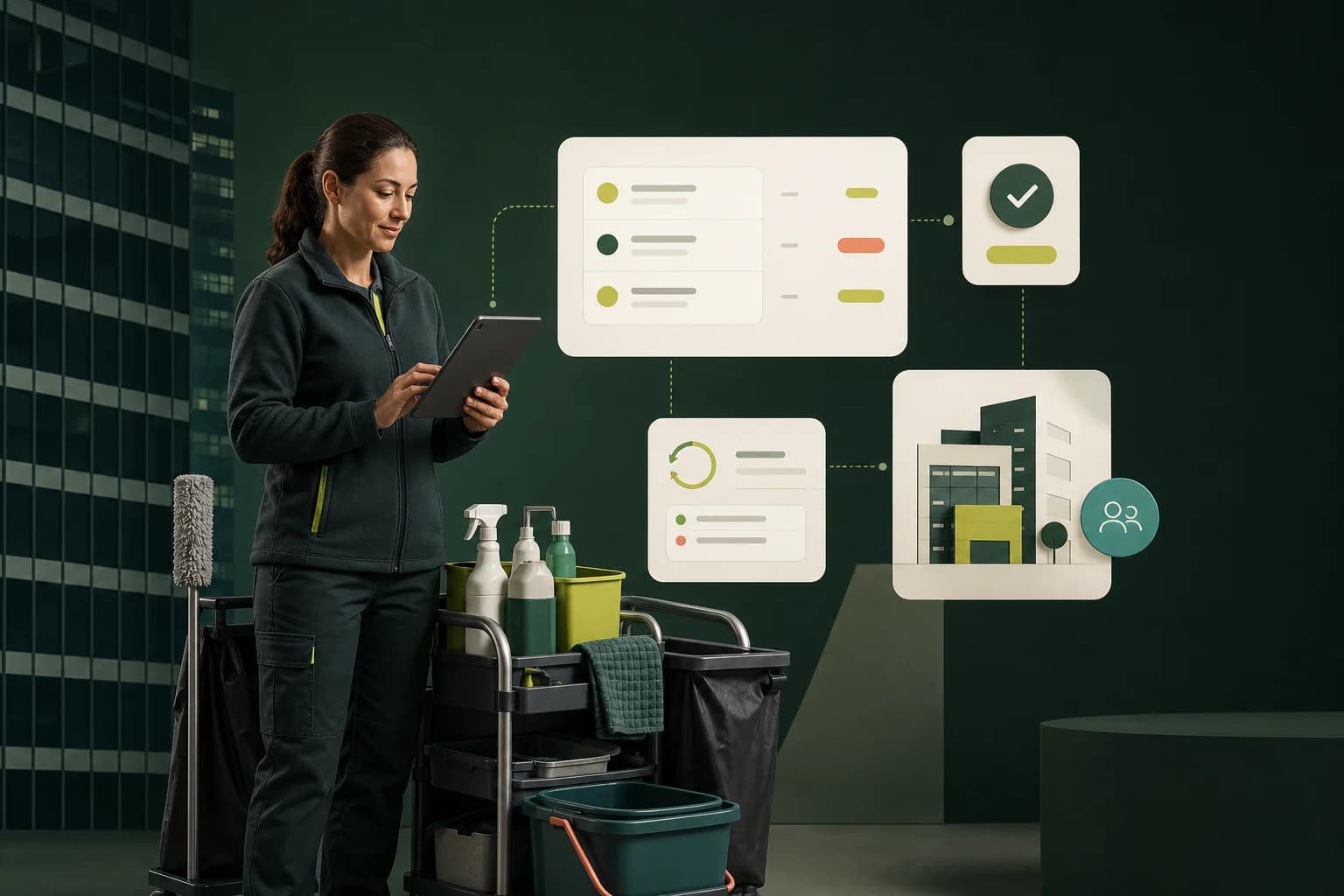
Invoice software for cleaners should do more than produce a good-looking PDF. A commercial cleaning company may bill dozens of client sites every month, often at fixed prices and on predictable dates. The real opportunity is to save those relationships once, repeat the billing accurately, and see which invoices still need attention.
That is the workflow Suitekore is built around. Clients, buildings, monthly charges, invoice dates, and payment status live together, giving the person responsible for billing one clear place to work. If you only need a one-off document, the free cleaning invoice generator creates a professional PDF without an account.
Why generic invoicing breaks down for cleaning companies
General accounting tools usually start with a blank invoice. That is fine for occasional project work, but repetitive for a cleaner serving the same offices, shops, clinics, or schools. You reselect the customer, re-enter the site, copy the agreed charge, check the dates, export a PDF, and then update a separate payment list.
The process becomes harder when one client has several buildings. Site names can be missed, invoice values can drift from the contract, and it becomes unclear whether the customer wants separate site invoices or one consolidated bill. Purpose-built cleaning business invoice software should make the recurring contract the starting point, not a blank document.
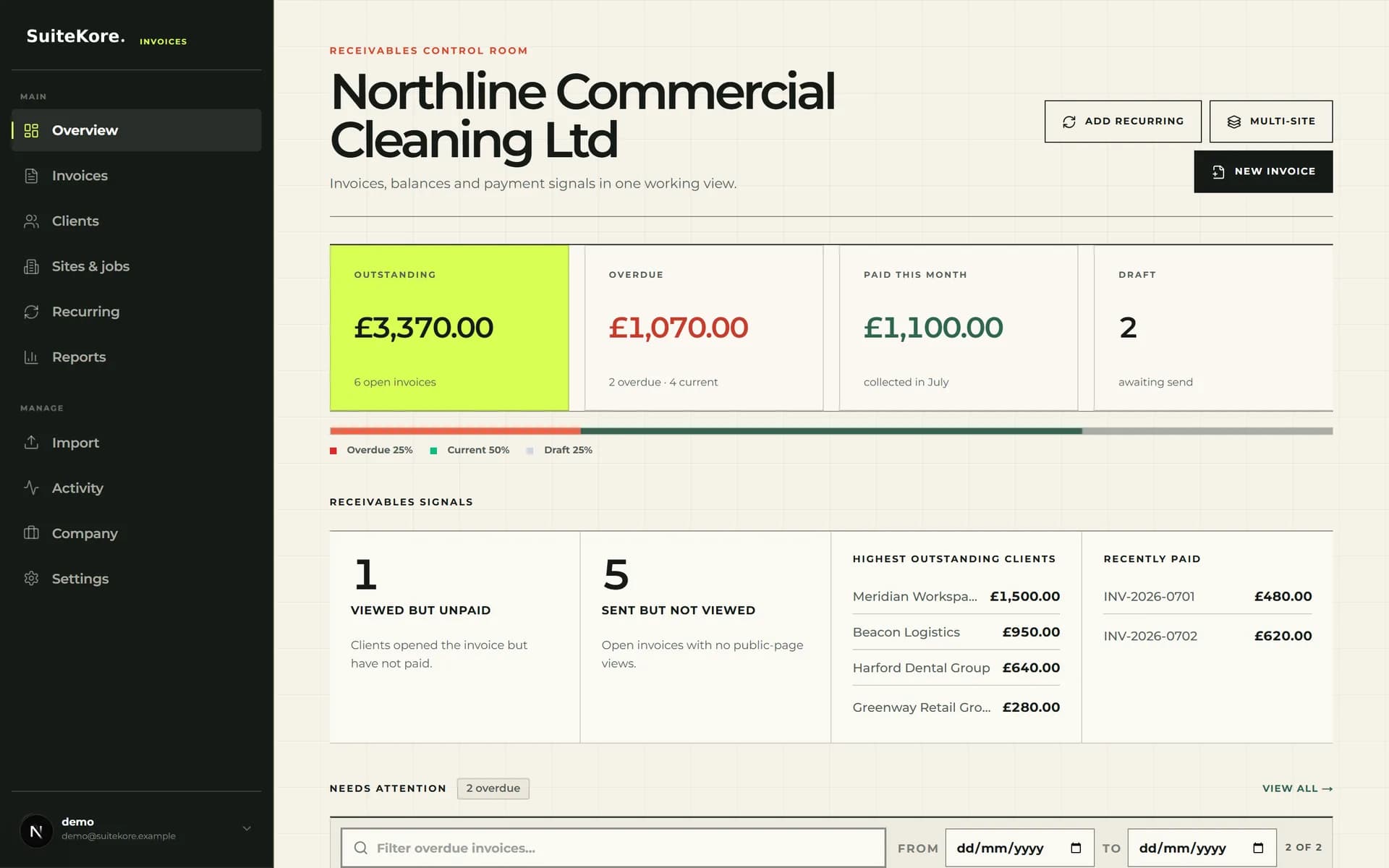
What invoice software for cleaners should handle
The useful features are the ones that remove repeat decisions from each billing run:
- Save each client, building, billing email, and agreed monthly charge.
- Create recurring schedules with clear issue dates and payment terms.
- Generate consistent, professional invoice PDFs from saved information.
- Send reminders and distinguish draft, sent, unpaid, overdue, and paid invoices.
- Show outstanding balances across the whole cleaning business at a glance.
This structure also creates a useful audit trail. When a client asks which site an invoice covers or whether payment was recorded, the answer is attached to the invoice rather than buried in an inbox.
The same structure carries across neighbouring services. If your rounds are made up of many small repeat visits rather than monthly contracts, the guide to invoice software for window cleaners covers how to bill high-volume rounds and one-off extras without disturbing the agreed price.
How to generate a recurring cleaning invoice
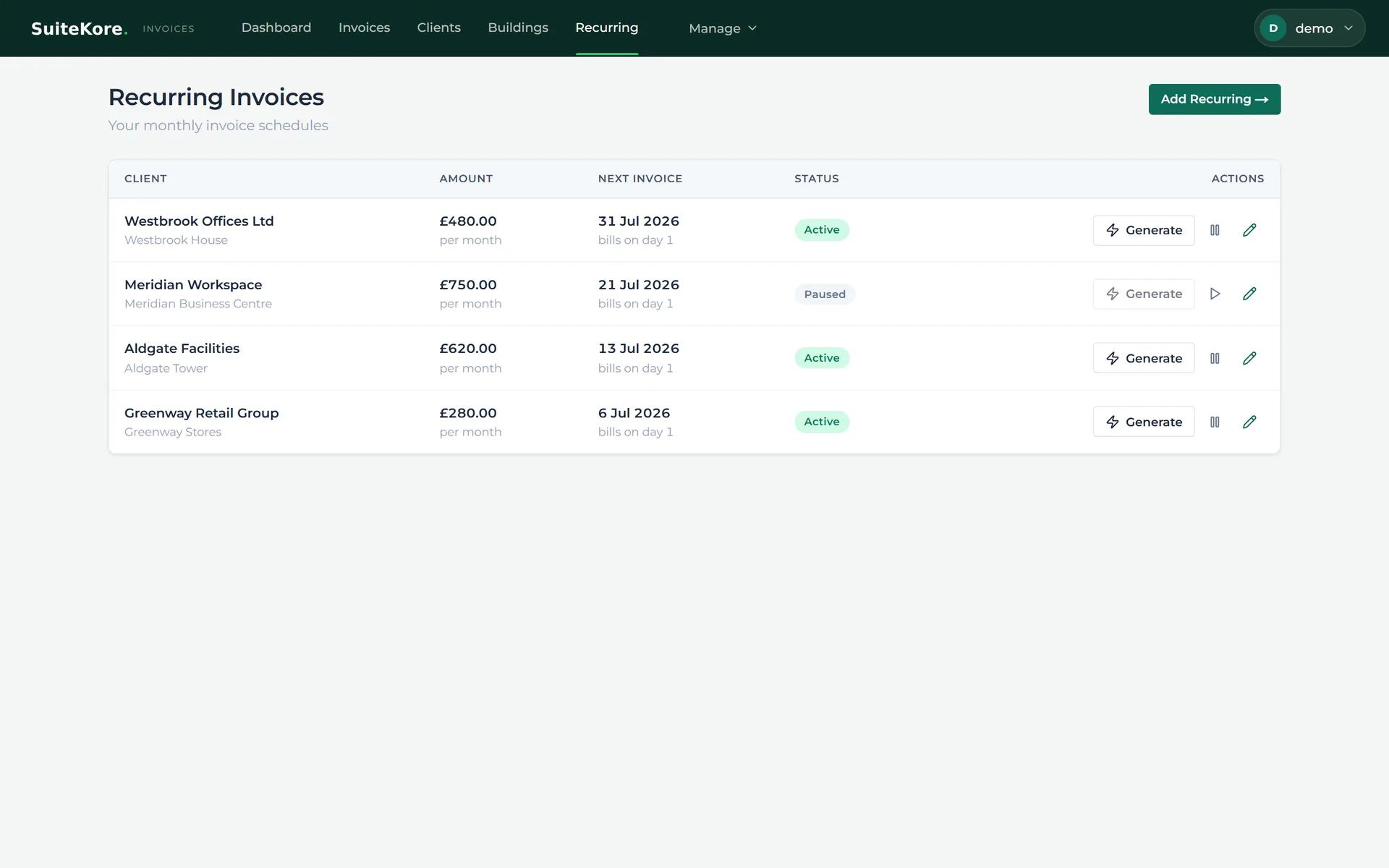
Start by adding the client and the building you clean. Enter the monthly charge, then create a recurring schedule with the issue date and payment terms. When the billing date arrives, open Recurring, review the schedule, and generate the invoice. The saved details flow into the invoice, ready to preview, download, or send.
How to generate a recurring cleaning invoice
A short product walkthrough showing how to move from saved cleaning sites to recurring invoice generation in Suitekore.
How to follow up and record payment
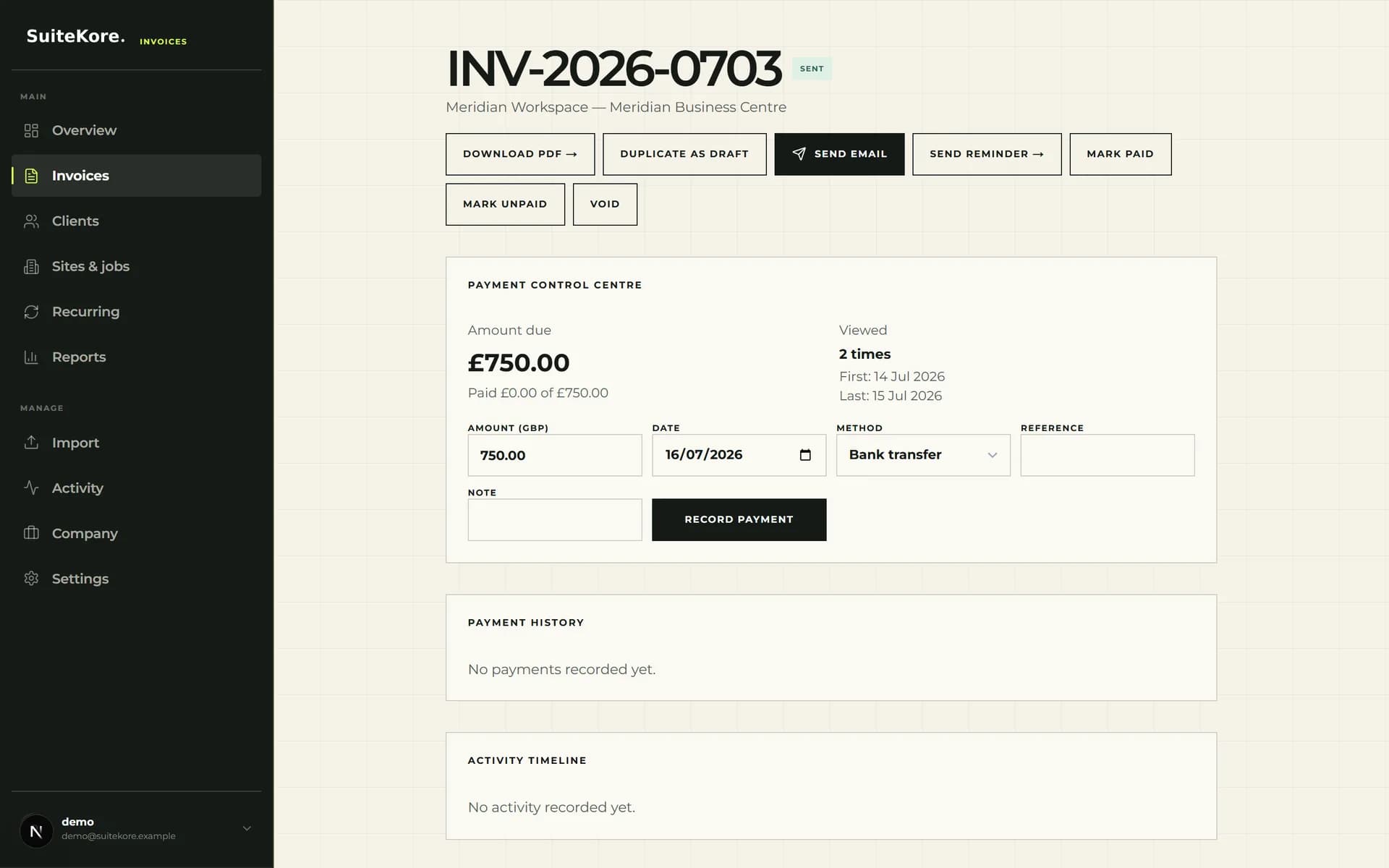
After sending, use the invoice status instead of a separate checklist. If payment is late, open the invoice and send a reminder while the correct client and document are in front of you. When money arrives, record the payment so the dashboard and invoice history reflect the current balance.
How to remind a client and record payment
A short product walkthrough showing invoice follow-up, status visibility, and payment recording in Suitekore.
The result: less admin and clearer cash flow
The best invoice app does not make a complicated process slightly faster; it removes the repeated parts. For a commercial cleaner, that means fewer copied values, fewer forgotten sites, and a clearer view of what customers owe. It also gives growing teams a repeatable billing routine that does not depend on one person's spreadsheet.
You can watch the complete 60-second product demo to see the workflow from dashboard to payment, compare the Suitekore plans, or explore how the platform supports multi-site commercial cleaning companies. For a faster way to start one-off bills, see how to create a complete invoice from one sentence with AI.