
Roofing work can move from a survey and quotation to deposits, materials, labour, variations and a final balance. The invoicing system therefore needs to preserve the job story, not merely produce a total. This guide explains how to assess invoice software for roofing contractors using Suitekore capabilities verified in the current repository. Start with the complete Suitekore invoicing feature overview, then compare each capability with the way your team records work on site and hands it to the office.
Structure every roofing job before billing starts
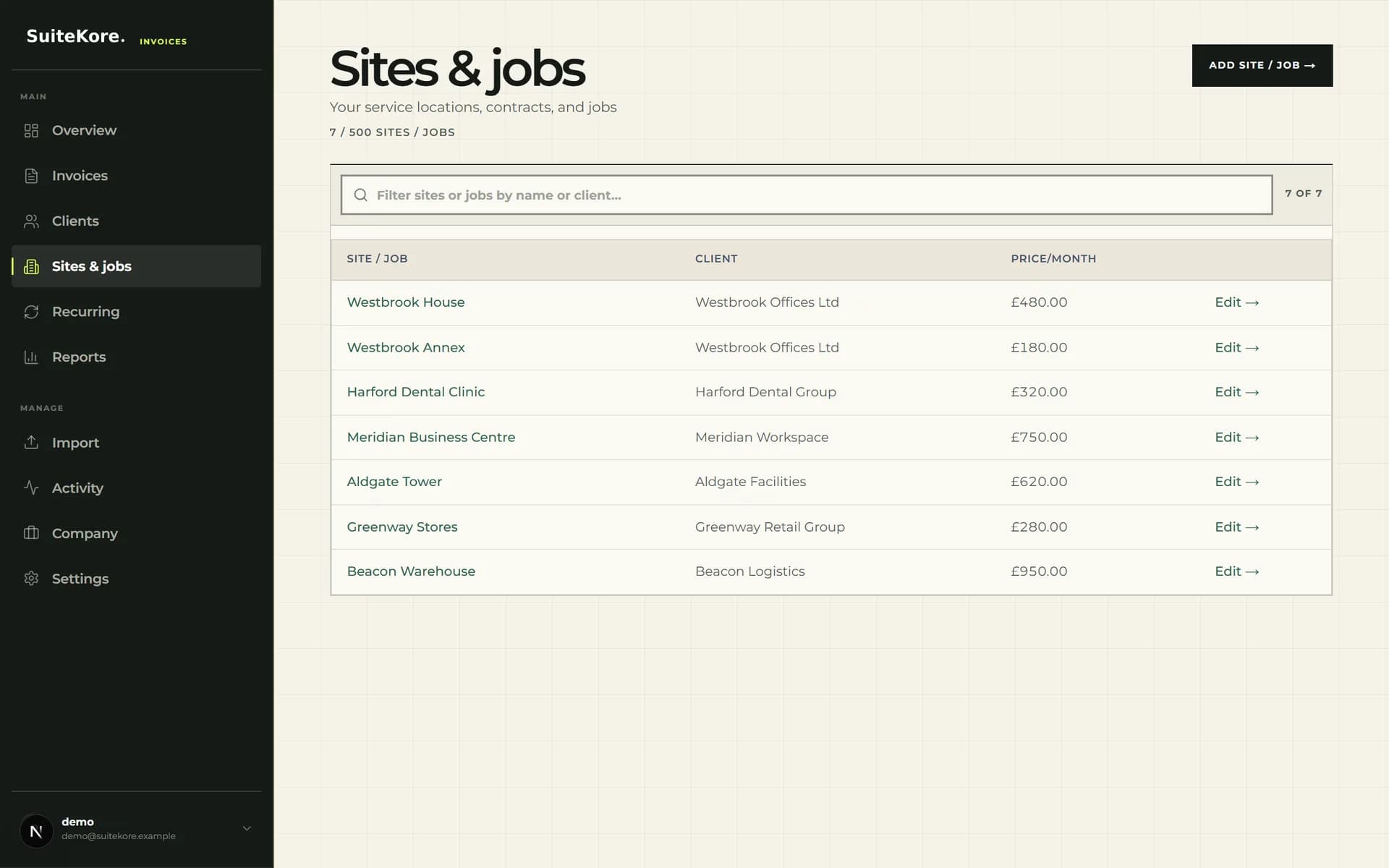
Create a separate site or job record for each address, linked to the correct client and billing contact. Suitekore stores service locations or jobs, notes and recurring amounts in one structure. For roofing work, use that record as the consistent reference for the survey, approved scope and invoice preparation, while keeping descriptions specific to the work actually completed.
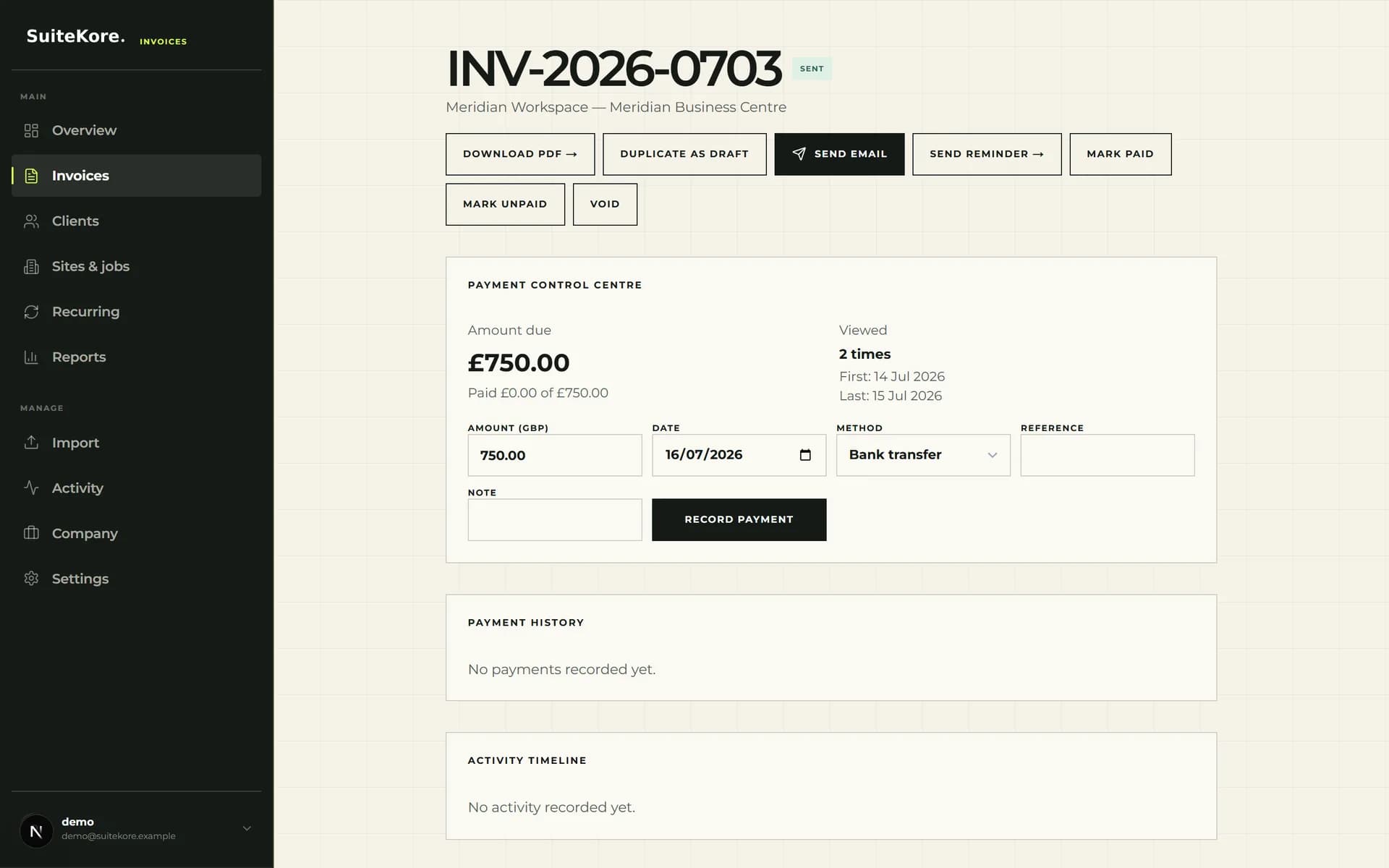
Decide who owns each step from draft creation to payment recording. The invoice status workflow from draft to paid provides a useful control pattern for drafts, sent invoices, overdue follow-up and recorded payments.
- Name the job with an address or unambiguous site reference.
- Keep the client record and billing contact aligned with the quote.
- Use notes to retain billing context that the office needs.
Match documents to the roofing work agreed
The repository lists invoices, pro formas, delivery notes and credit notes, alongside purchase orders, variations and progress billing. That range suits work where the original scope changes or payment is requested in stages. Use variations to separate authorised changes from the initial agreement, and make each progress claim understandable without relying on an email chain.
Before sending, check the client, site, dates, line items, quantities, rates, totals and payment terms. Suitekore generates PDFs containing billing details, line items, due dates, terms and totals, giving the recipient one clear document to review.
- Describe labour and materials in language the client can recognise.
- Separate agreed variations instead of hiding them inside a broad line item.
- Confirm that the amount requested matches the relevant stage of work.
Record costs and job effort alongside billing
Invoice value alone does not describe how a roofing job performed. Suitekore's current pricing comparison lists expenses, supplier bills, job profitability, timesheets and overheads. Record costs against the working job structure consistently, especially when supplier invoices arrive after materials have reached site or labour spans several visits.
A simple routine is enough: capture supplier bills, review time entries, confirm variations, then prepare the next invoice. The service business profit leak checklist explains why turnover, cash and profit should not be treated as the same measure.
- Record supplier bills while the job reference is still obvious.
- Check time entries before judging the job profitability view.
- Review overhead treatment consistently across comparable roofing work.
Send, track and follow up from one record
The invoice detail screen brings together PDF download, email sending, reminders, payment status and payment history. That gives the office a defined place to check whether an invoice was sent, viewed or paid. Stripe Connect payments are also listed as an available product capability for businesses that choose to connect an account.
Use reminders as part of a scheduled process, not as an improvised response. The practical late invoice payment guide covers terms, follow-up and payment recording without promising that any single message will produce payment.
Use the dashboard as a weekly control point
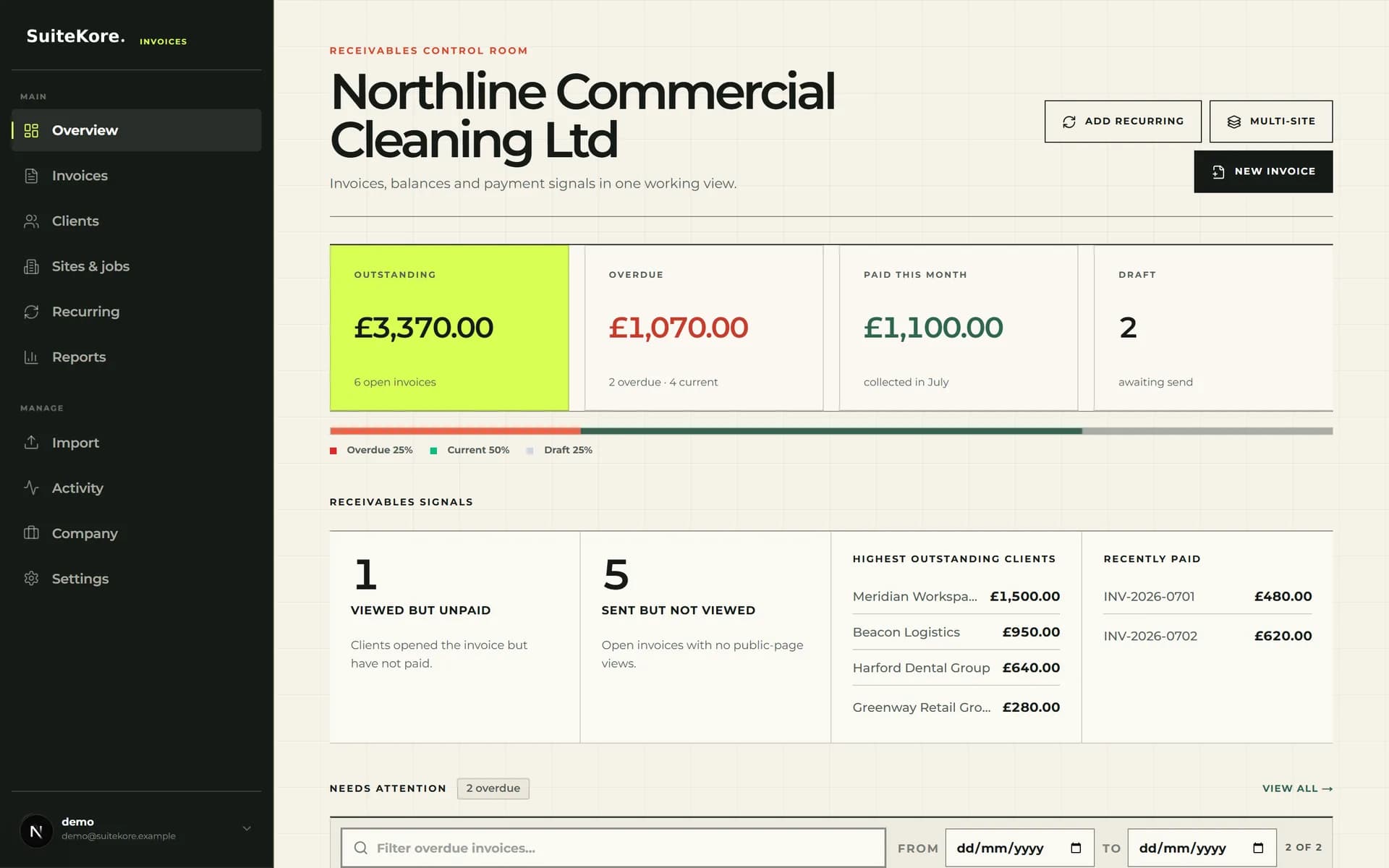
Suitekore's dashboard shows outstanding, overdue, paid and draft totals, together with receivables signals and invoices needing attention. Review it at a fixed time each week, then assign actions for unsent drafts, overdue balances and payments that need recording. This keeps follow-up based on visible status rather than memory.
If your roofing business also sells repeat inspections or planned maintenance, recurring schedules can retain the client, amount, next invoice date, delivery choice and active status. Review the broader invoice software for service industries page to judge whether that repeat-work model fits your services.
Choose a plan against real roofing volume
Plan limits currently differ by clients, sites or jobs, team members and monthly Smart drafts. Advanced reporting, accounting exports, custom branding, automated consolidated invoicing, customer portal access and automatic collection also vary by plan. Check the current Suitekore plan comparison rather than assuming every tier has identical limits.
Test the workflow with representative jobs: one straightforward repair, one staged project and one variation. Confirm that the resulting records, PDFs, costs and statuses make sense to both the site and office teams. The right choice is the plan and process that your business can apply consistently.