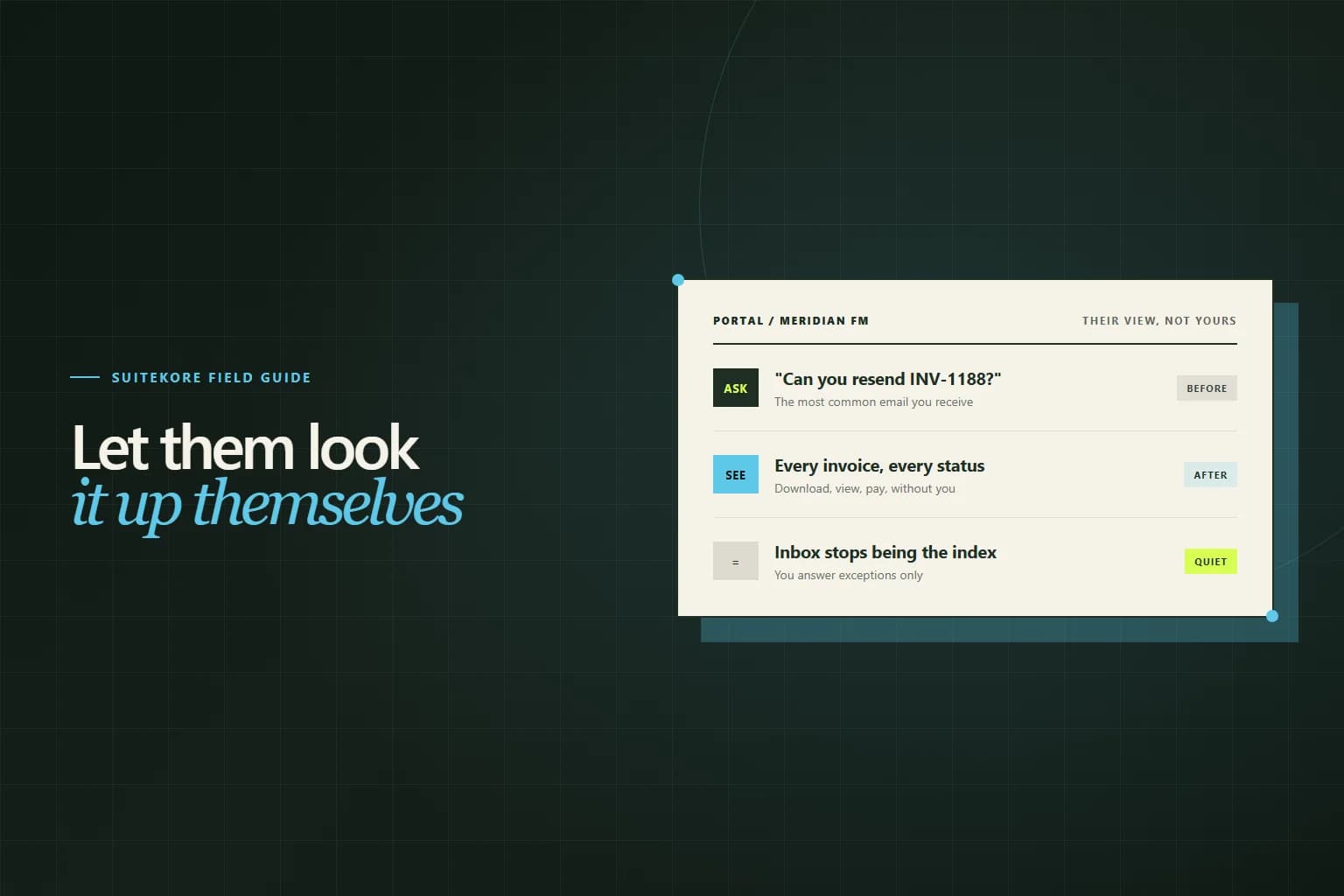
Look at the invoice-related email you receive over a month and sort it by type. A surprising share is not disputes or negotiations. It is lookups: which invoices are outstanding, can you resend that PDF, did our payment land, what was the reference on the March one. Every one of those questions is answerable from records you already hold, by somebody who is not you. That is the whole case for a client portal.
The questions a portal answers
The value of a portal is measured in messages that never get sent. A finance assistant reconciling a statement wants to check three invoice numbers. A site manager wants last quarter’s invoice for their own budget file. A new accounts contact wants to know what is currently open on the account. None of them want to talk to you; they want an answer, and emailing you is simply the only route available.
That last point matters. Clients are not choosing to interrupt you. If the fastest way to see their own billing history is your inbox, they will keep using it, and you will keep spending twenty minutes a day being a search interface for your own records.
Which clients actually use one
Be honest about this, because portals are frequently built for clients who will never open them. Adoption tracks volume and organisational complexity rather than size.
- Clients with several invoices open at once, across sites or projects.
- Clients whose finance function is separate from the person who books the work.
- Clients on recurring contracts, where the same charge recurs monthly.
- Clients who have had a change of contact and inherited no history.
A homeowner who uses you once a year will not log in, and that is fine. The portal is not a replacement for sending invoices; it is a reference layer underneath them, and it earns its keep on the ten accounts that generate most of your admin. Where a client has several open balances, it pairs naturally with the monthly statement of account rather than replacing it.
What to expose, and what to hold back
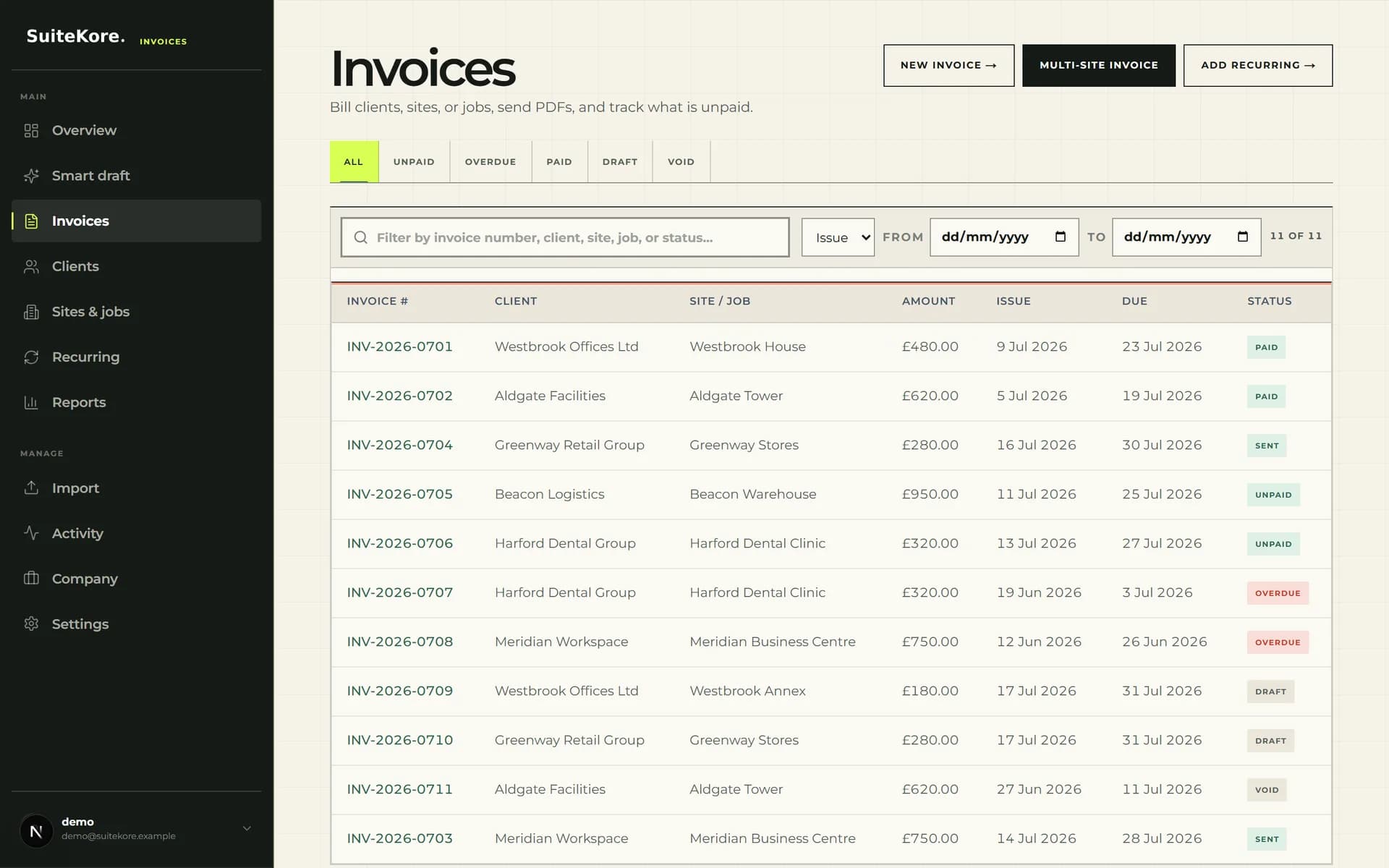
A portal is a view onto one customer’s data, which makes scoping the first design decision. Show that client their own invoices, statuses, due dates, downloadable PDFs, payments recorded against them, and a way to pay what is outstanding. That covers almost every lookup question.
Paid invoices deserve as much attention as open ones. A client closing their year needs last March as readily as this month, and a portal that only shows outstanding items sends them straight back to your inbox for the exact request you were trying to prevent. Keep the full history visible, with payments shown against the invoices they settled.
Hold back anything that is yours rather than theirs. Internal notes, your costs and margins, other clients, draft invoices that have not been issued, and anything that changes their obligation without a conversation. A draft appearing in a client portal is a particularly expensive mistake: they will read it as a bill and either query it or, worse, pay it before you finished checking it. What counts as issued is exactly the line drawn in the invoice status workflow from draft to paid.
Access without inventing a login
The instinct is to build accounts with passwords. Resist it. Every credential you ask a client to create is a step where adoption dies, and a password reset request is exactly the kind of admin you were trying to remove.
A link sent to the billing address already on file is the better default. The address is one you hold because they gave it to you for invoices, the link proves control of that inbox, and there is nothing for them to remember. Keep sessions time-limited so a forwarded link does not become permanent access, and let a client revoke and re-request rather than calling you when something looks wrong.
What changes in your week
Two things, and only one of them is the obvious one. The obvious change is fewer lookup emails. The less obvious and more valuable change is that your records become client-facing, which quietly raises the standard they are kept to.
When only you see the invoice list, a payment recorded three days late costs nothing. When the client sees it, a stale status becomes a phone call asking why their payment is not showing. That pressure is uncomfortable for about a fortnight and then it is simply a better-maintained ledger, which is the same figure your aged debtors report depends on being true.
Where portals fail
The common failure is treating the portal as the delivery mechanism. It is not. Invoices should still arrive by email, as a document, at the moment they are issued. A portal that requires a client to log in and check whether anything new is waiting has moved work onto them rather than removing it, and the invoice sits unopened until somebody remembers to look.
Send the invoice. Include a link to pay it. Let the portal be there for the second, third and tenth question afterwards. The friction argument in taking online payments applies here in reverse: every step you add between the client and the answer costs you.
Introducing it without a launch
Do not announce it. Add the link to the invoice email footer and to your statements, and let clients find it when they next have a question. The ones who need it will use it immediately, and the ones who do not will never notice. A launch email asking clients to start using a new system is a request for effort; a link sitting where they already look is not.
Then watch which questions still arrive. Whatever people keep emailing about is the thing the portal is not showing clearly enough, and that is a far better guide to what to build next than any assumption you started with. The wider process this sits inside is set out in the complete guide to invoicing for UK service businesses.