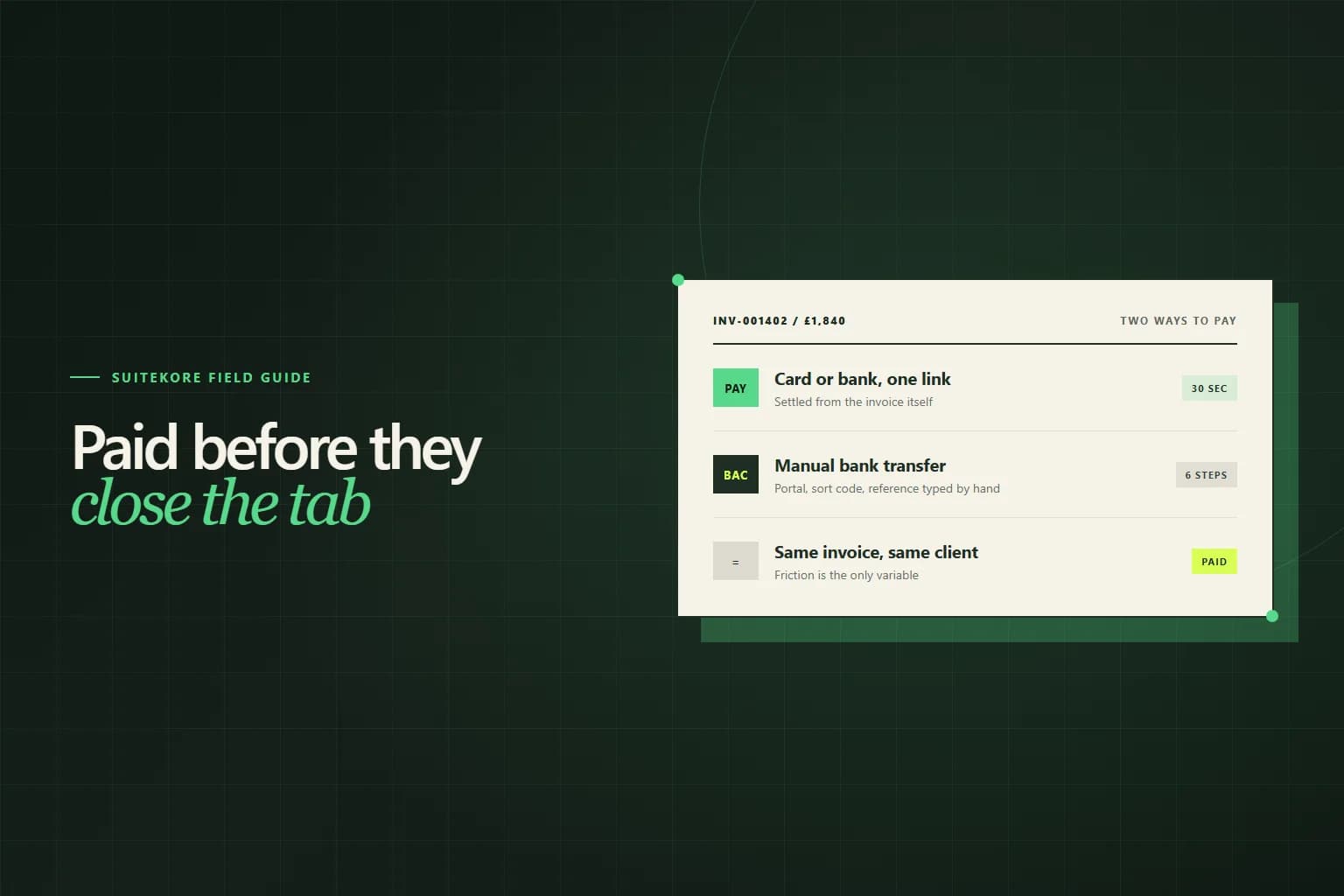
Ask a service business why an invoice is late and you will usually hear something about the client. Ask the client and you will hear something duller: they meant to pay it, the invoice was a PDF attachment, paying meant logging into a banking portal, copying a sort code, typing a reference from a document open in another window, and they were going to do it after the next meeting. Two weeks later it is still open. This guide covers what online payment links change, what they cost, and where they genuinely do not help.
Late payment is friction, not refusal
The distinction matters because it determines what you should fix. A client who cannot pay needs a conversation about terms. A client who will not pay needs escalation. But most unpaid invoices belong to a third group: clients who fully intend to pay and have not got round to it, because paying you takes six steps and none of them are urgent to anyone but you.
Every step between the invoice arriving and the money leaving is a place the process can pause. Opening the email, finding the attachment, opening the PDF, opening the banking app, authenticating, typing the account details, copying the reference, confirming. Each one is trivial. Together they are enough to make paying a task rather than an action, and tasks get scheduled rather than done.
What a pay link actually is
A pay link is a unique address for one invoice that opens a page showing what is owed and a way to settle it immediately. The client does not need an account, a password, or your bank details. They open the link, confirm, and the invoice is marked as paid against your record without anyone typing anything.
The important property is that the link is specific to the invoice. Because it carries its own identity, the payment arrives already matched to the document it settled. Nobody has to work out afterwards which of three invoices a round number was meant to cover, which is the reconciliation problem that produces most of the awkward conversations covered in statements of account.
What it costs, and how to think about the fee
Card processing costs a percentage of each transaction plus a small fixed amount, typically somewhere in the region of 1.5% to 3% for UK business cards depending on the card type and the processor. On a £1,840 invoice that is real money, and it is the reason most businesses hesitate.
The comparison worth making is not fee versus no fee. It is fee versus the cost of the same invoice being paid three weeks later, chased twice, and occupying somebody for twenty minutes across two follow-up emails. Priced that way the arithmetic usually favours the fee on smaller invoices and turns against it as values rise, which is exactly why offering both methods beats choosing one.
Do not surcharge business clients
Passing the fee on feels fair and works against you. A surcharge is an argument for using the slower method, which is the opposite of what you wanted, and it turns a convenience into a negotiation at the exact moment the client was ready to pay. If the fee genuinely matters at your margins, build it into your rates rather than bolting it onto the invoice.
When a bank transfer is still better
Online payment is not universally superior and pretending otherwise loses credibility with clients who know their own processes better than you do.
- Large invoices, where a percentage fee stops being trivial.
- Clients who pay through a scheduled payment run rather than individually.
- Organisations whose finance policy simply does not permit card payment.
- Anywhere a purchase order has to be matched before money moves.
That last case is worth knowing in detail, because a pay link does nothing for an invoice that never entered the payment run, which is set out in purchase order vs invoice. Offer both methods, show both clearly, and let the client use whichever their process allows.
Reconciliation is the real prize
Faster payment is the headline benefit and probably not the largest one. The larger one is that the payment arrives attached to the invoice it settled.
Manual bank transfers produce a stream of amounts in a bank feed that somebody has to match by hand: a payment for £3,180 that turns out to be two invoices, a round £2,000 on account, a client whose bank reference is their own internal code rather than your invoice number. That matching work is invisible, recurring, and the reason month end takes longer than it should. Payments made through the invoice skip it entirely, and the statuses in your invoice status workflow stay accurate without anyone maintaining them.
The same logic extends past the single invoice. Once a client can see their whole billing history rather than just pay one document, the lookup emails stop too, which is the case made in client portals for invoices.
Setting it up without breaking anything
Connecting a payment processor involves an onboarding step where the processor verifies your business, which is a compliance requirement rather than a formality. Expect to provide company details, bank details for payouts, and identity documents. Do it before you need it rather than in the week you decide to switch.
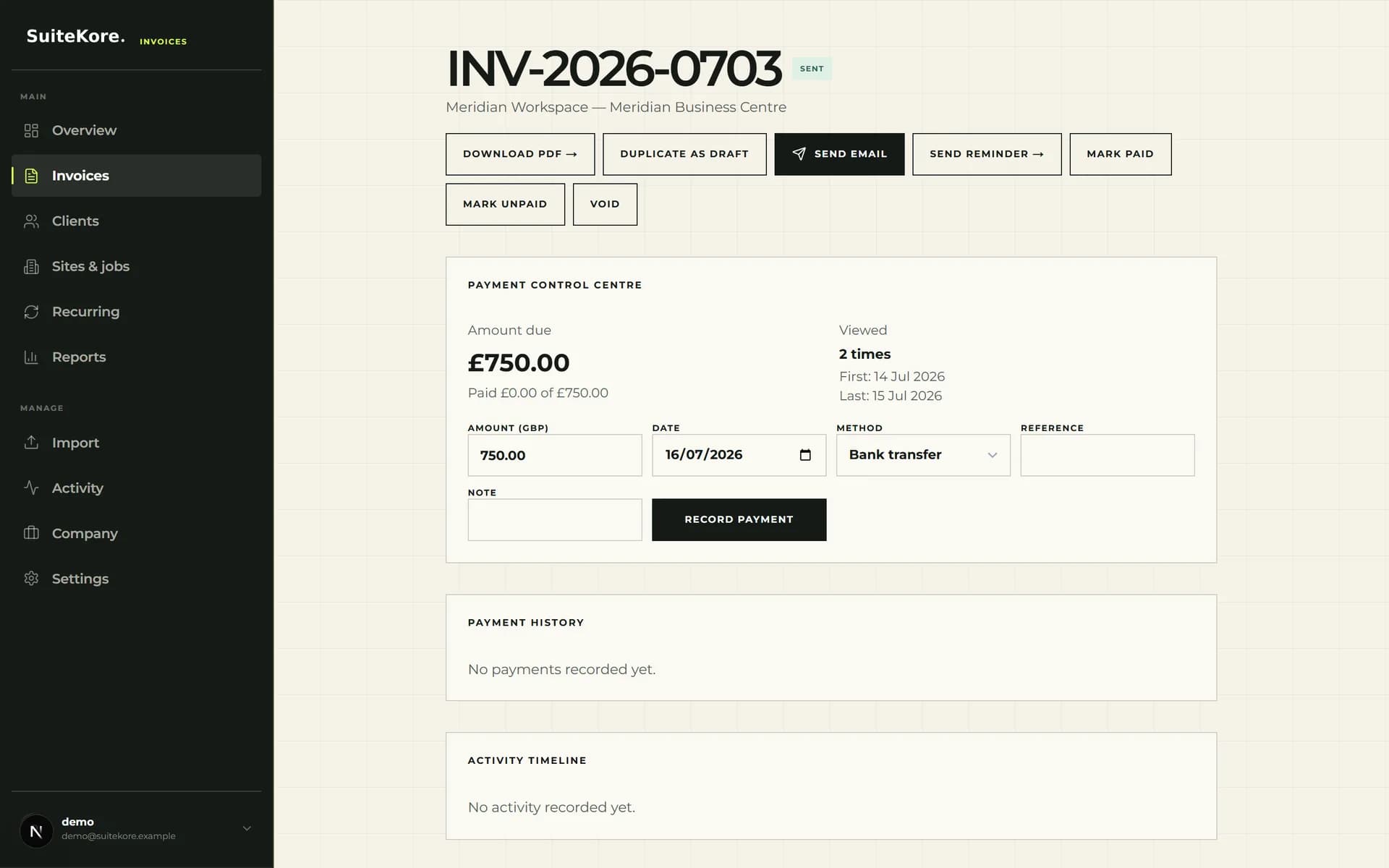
Then change one thing at a time. Enable the link on new invoices rather than retrospectively, keep bank details on the document alongside it, and check that a payment made through the link marks the invoice paid in your records before you rely on it. Once you trust it, it becomes the default and the bank details become the fallback.
What online payments will not fix
A pay link removes friction. It does not create agreement. An invoice that is disputed, missing a reference the client needs, addressed to the wrong entity or issued before the work was accepted will sit unpaid however easy paying it would have been.
It also will not rescue an invoice sent three weeks after the job finished, because the delay was yours before it was ever theirs. Get the document right and issue it promptly first, as set out in the complete guide to invoicing for UK service businesses, and treat the payment link as the last piece of friction removed rather than the fix for everything upstream of it. Where invoices are still going overdue after that, the six steps in how to deal with late payment address the causes a payment method cannot reach.