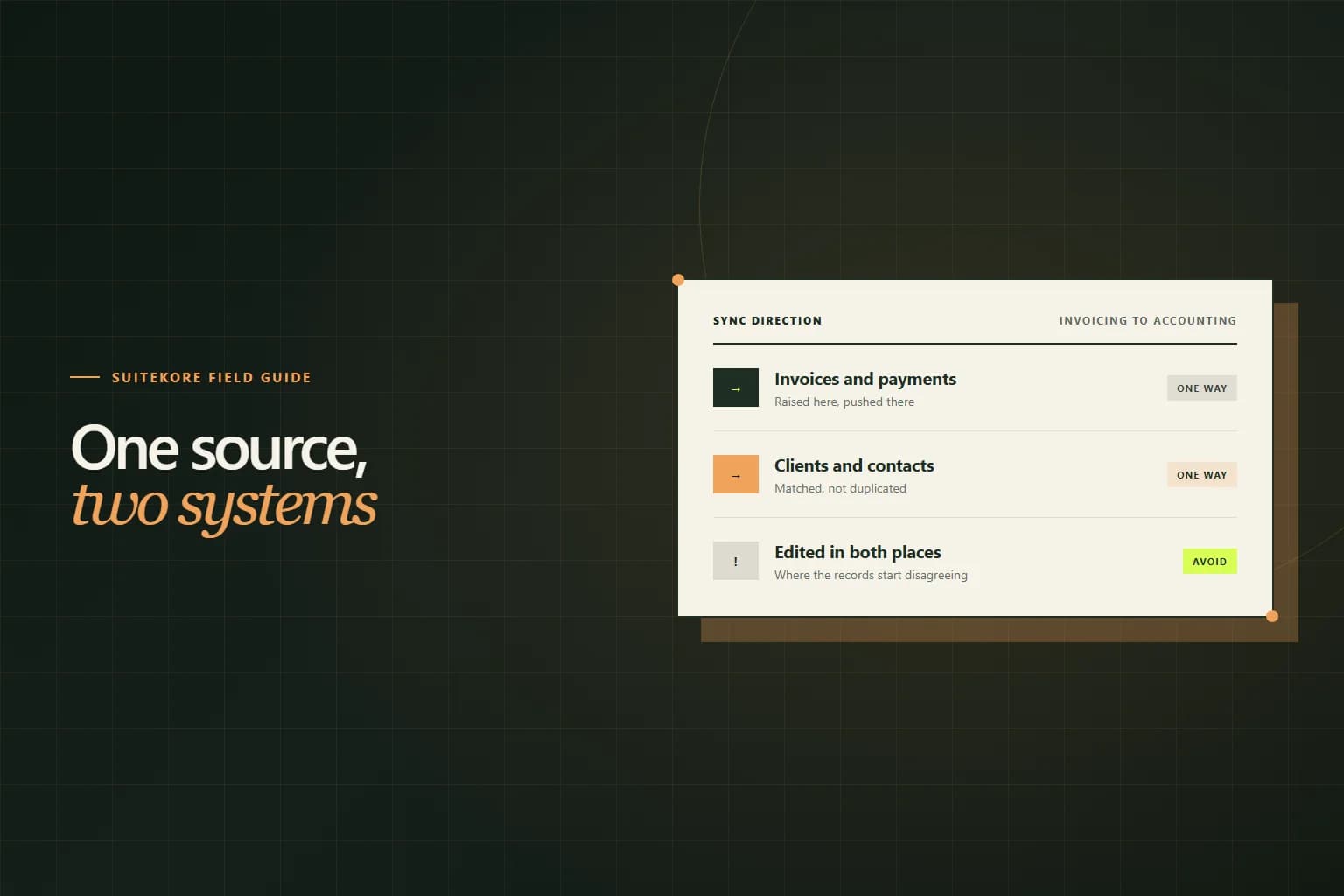
Every service business past a certain size ends up running two systems that both contain invoices. One is where invoices are created, chased and paid. The other is where the accountant works. Connected carefully, this is fine and saves a day a month of retyping. Connected carelessly, it produces two sets of records that disagree in ways nobody notices until year end. This guide covers what should sync, in which direction, what the first connection tends to break, and what you still have to reconcile yourself.
They are doing two different jobs
It is worth being precise about why both exist, because the answer determines how to connect them. Accounting software is organised around the ledger: accounts, periods, tax returns and reporting to people outside the business. Its unit of thought is a transaction.
Invoicing software is organised around the operation: clients, sites, jobs, agreed charges, recurring schedules, reminders, statuses. Its unit of thought is the work. For a business billing forty sites every month, the difference is not cosmetic. The monthly billing run described in the monthly workflow for commercial cleaning contracts is an operational problem, and general ledger software is not built to solve it. Neither system is redundant; they are answering different questions.
Pick a source of truth for each record
This is the decision that determines whether the connection works, and it is worth writing down rather than assuming. For each kind of record, one system owns it and the other holds a copy.
For most service businesses the split falls out naturally: invoices, clients, sites and payments are owned by the invoicing system, because that is where the work happens and where the client relationship lives. Chart of accounts, bank reconciliation, VAT returns and journals are owned by the accounting system. Once that is settled, the direction of every sync is obvious rather than a configuration choice.
What should flow, and which way
Keep it one way and keep it narrow. The things genuinely worth syncing are few.
- Issued invoices, with their numbers, dates, lines and VAT treatment.
- Recorded payments, matched to the invoice they settled.
- Credit notes, linked to the invoice they correct.
- Clients, matched to existing contacts rather than created blindly.
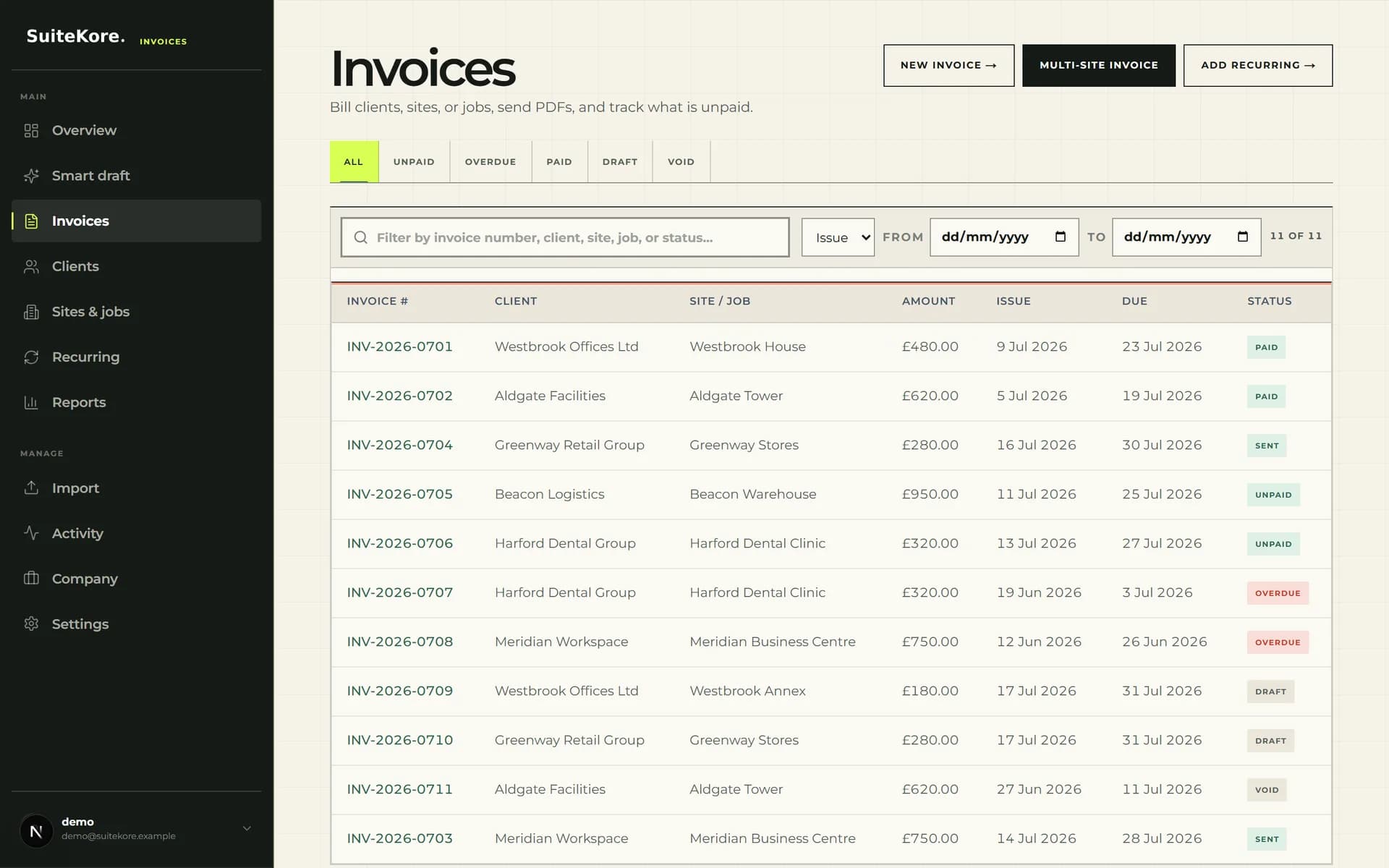
Drafts should not sync. An invoice that has not been issued is not a transaction and does not belong in a ledger, and syncing drafts is a reliable way to generate ledger entries for documents that later change or are deleted. Let the status workflow decide when a document becomes real, and sync from that point.
Timing matters less than you think
Real time sync sounds better than a nightly batch and rarely is. A ledger that is current to yesterday is fine for every decision anyone actually makes with it, and a slower cadence gives you a window to catch a mistake before it has propagated. What matters far more than frequency is that failures are visible: a sync that quietly drops one invoice a month is worse than one that runs daily and tells you loudly when something did not go through.
The first connection is the risky one
Ongoing sync is usually uneventful. The damage happens at connection, when you decide what to do about history.
Set a start date and honour it. Everything before that date stays where it is and is not backfilled; everything after it flows. Backfilling a year of invoices into a ledger that already contains them, entered by hand at the time, is the single most common way to end up with a duplicated year of revenue. If history genuinely has to move, that is a migration to plan with your accountant, not a checkbox during setup.
Match clients before the first sync rather than after. Two records for the same client, one called Meridian FM Ltd and one called Meridian Facilities Management, will otherwise split that client’s history in half permanently.
Where duplicates actually come from
Three causes account for nearly all of them, and all three are process rather than software.
Raising invoices in both places
During a transition somebody raises an urgent invoice in the accounting system because it is quicker, and the sync brings the real one in beside it. Pick one place invoices are created and enforce it from day one.
Editing the copy
Somebody corrects a synced invoice in the accounting system. The two records now disagree, and the next sync either overwrites their correction or leaves the disagreement in place. Corrections belong in the owning system, and after issue that means a credit note rather than an edit, as covered in credit notes explained.
Numbering collisions
Both systems allocating numbers from their own sequence produces two INV-1042s that are different invoices. Only the owning system should allocate, which is one of the reasons a single controlled number series matters more once a second system is involved.
What you still have to check each month
A connection reduces typing. It does not remove the need to look. A short monthly check catches problems while they are still one month wide rather than a year.
Compare the count and total of invoices issued in the period across both systems. Compare total payments recorded. Look for anything that failed to sync and sat in an error state, because failed syncs are silent by nature and a single failed invoice is invisible until somebody counts. Check that outstanding balances agree, which is the same figure your aged debtors report is built on.
When not to connect them at all
If you issue a handful of invoices a month, a connection is overhead solving a problem you do not have. Export a CSV, send it to your accountant, and spend the setup time on something that moves the business.
The connection earns its keep when the volume of retyping is large enough to be a real cost, or when the delay between invoicing and the ledger being current is causing decisions to be made on stale numbers. Below that threshold, the simpler arrangement is the better one. The wider process it plugs into is set out in the complete guide to invoicing for UK service businesses.